

Mirage Vault press kit
Facts, images and a contact for anyone writing about Mirage Vault. Everything here may be used in coverage of the app; the icon and screenshots may not be used to suggest endorsement or for other products.
In one paragraph
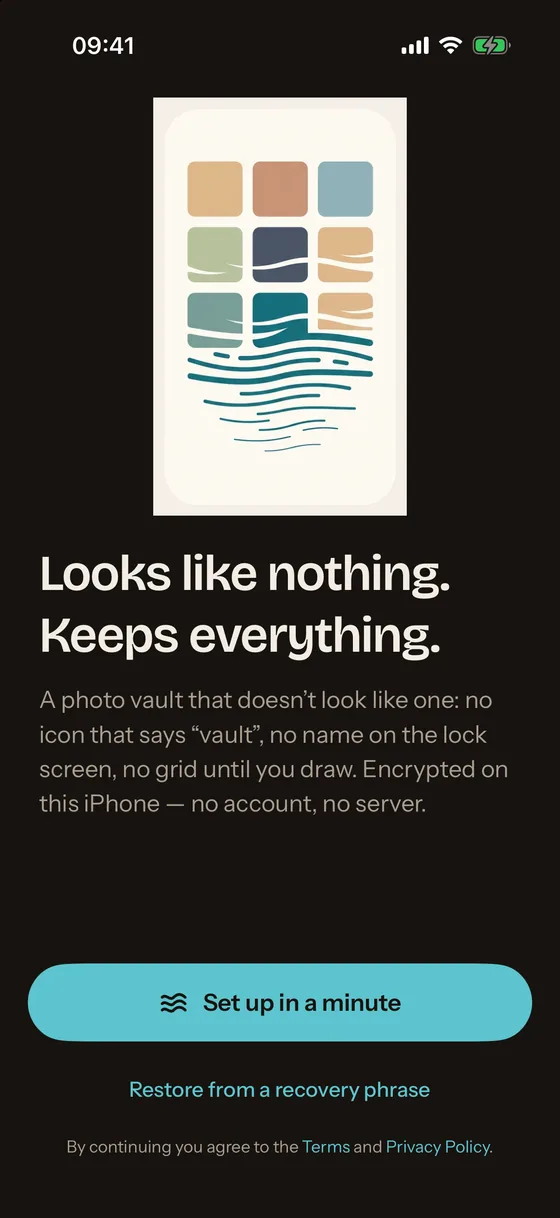
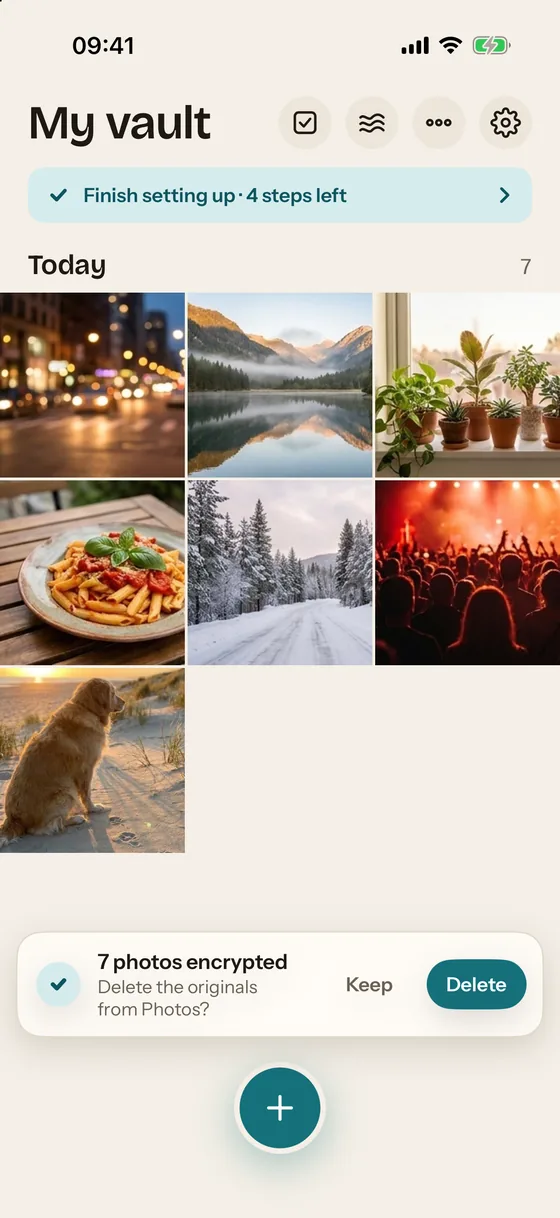
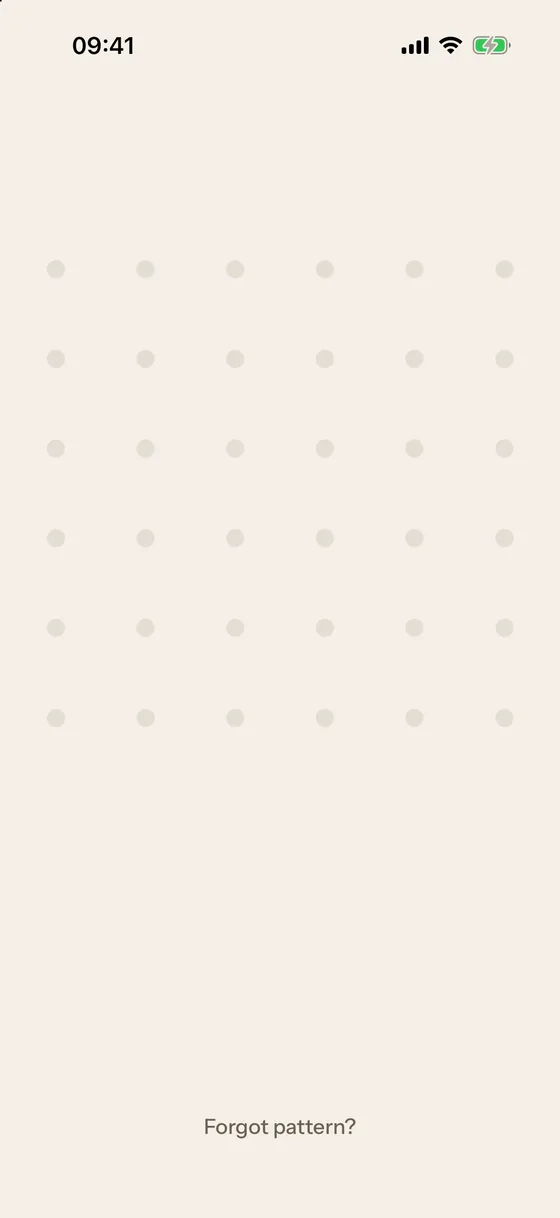
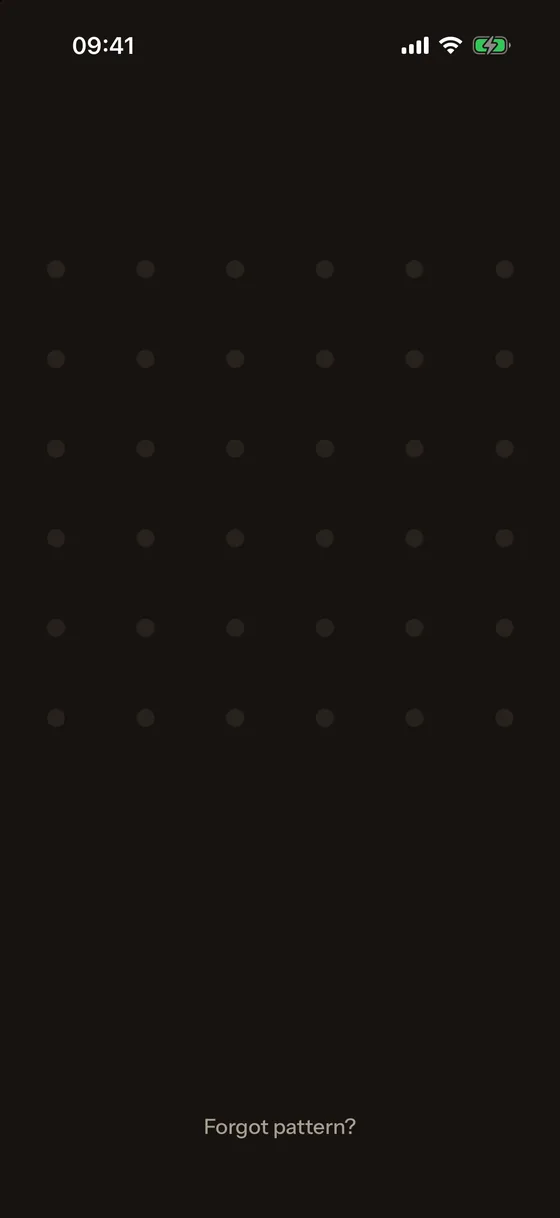
Mirage Vault is a private photo vault for iPhone that looks like nothing: a blank lock screen with no app name, a pattern grid that appears only under your finger, and a Home Screen icon that can be changed. Photos, videos, notes, scans and files are encrypted on the device with AES-256-GCM; the vault key is protected by the Secure Enclave, so a copy of the files cannot be guessed open elsewhere. There is no account, no server and no analytics. Encrypted iCloud backup is free, and an 8-word recovery phrase is the only way to restore it. Mirage Pro adds unlimited items, a decoy vault behind a second pattern, break-in alerts with a photo, disguise icons and a Wipe Key.
Facts
Name: Mirage Vault (the app calls itself "Mirage" on screen; the subscription is Mirage Pro). App Store listing: Mirage Vault: Secret Photos.
Platform: iPhone, iOS 17 or later. No iPad, Android or Mac version.
Price: free for up to 100 photos and 10 videos; Mirage Pro $1.99/week, $19.99/year with a 7-day free trial, or $39.99 once (US App Store, 2026-11-01).
Encryption: AES-256-GCM in 1 MiB chunks, a random key per file; PBKDF2-HMAC-SHA256 with at least 600,000 iterations; vault key wrapped by ECIES on a P-256 key in the Secure Enclave. Details on the security page.
Data: no account, no server, no analytics or advertising SDK; the only network use is the optional encrypted backup to the user's own iCloud account.
Built with: Swift and Apple frameworks only; no third-party code in the app.
Security review: container format and app layer reviewed and stress-tested on 2026-10-31; 71 tests in the crypto and storage package.
Release: App Store release date to be announced; version 1.0.0.
Icon
Icon, 1024 px PNG · Icon, 512 px PNG
Screenshots
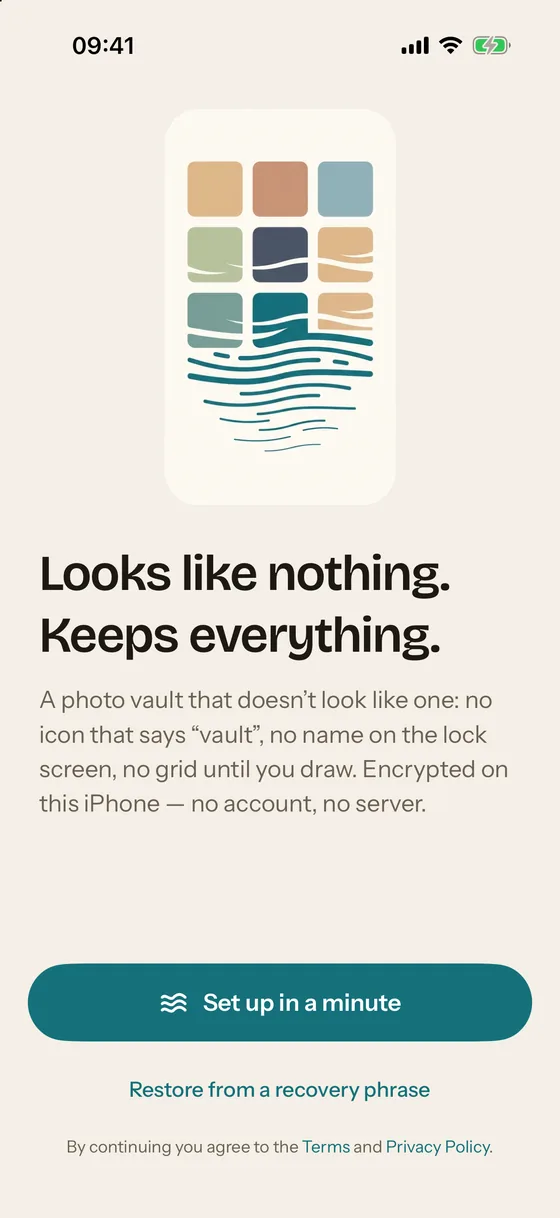
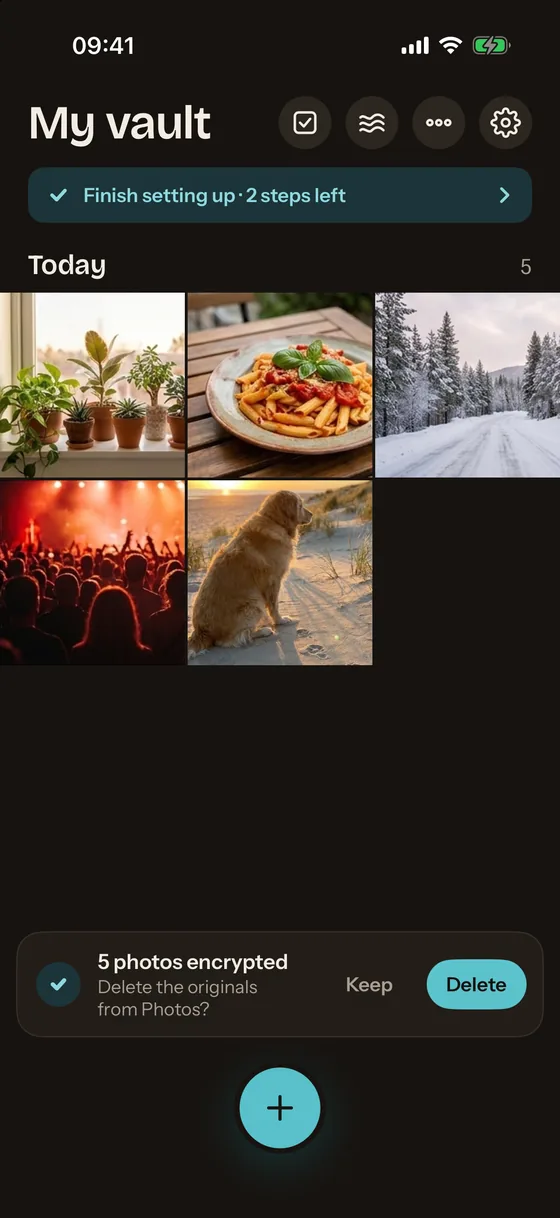
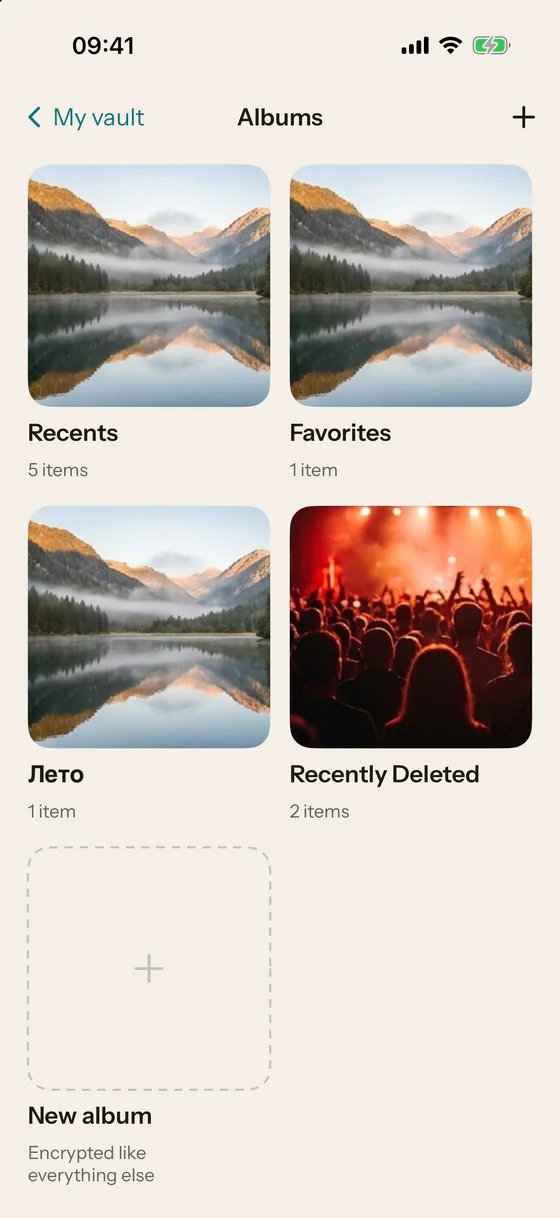
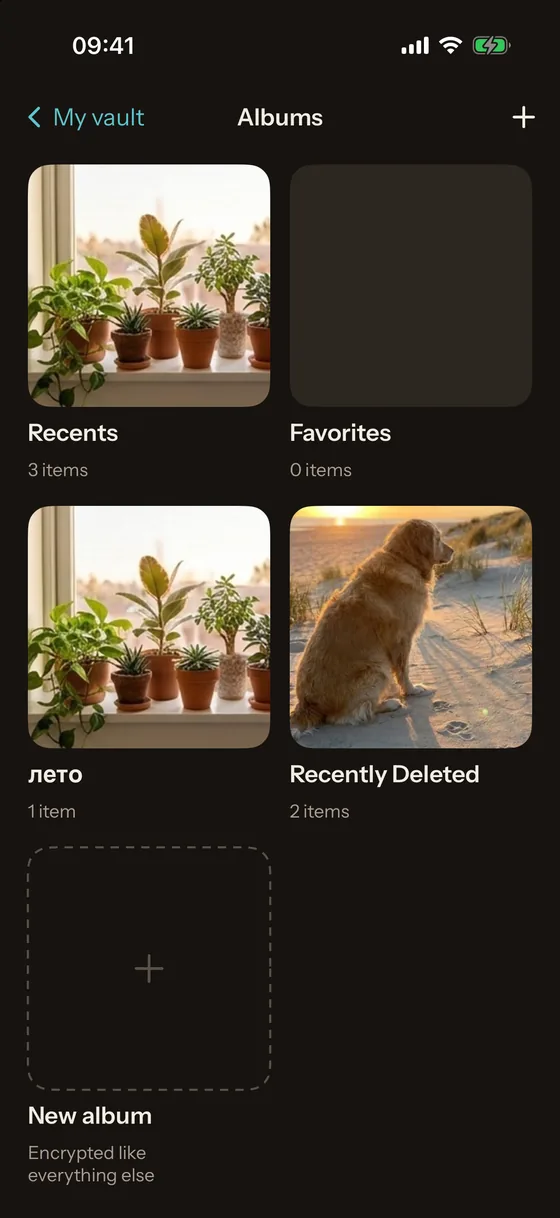
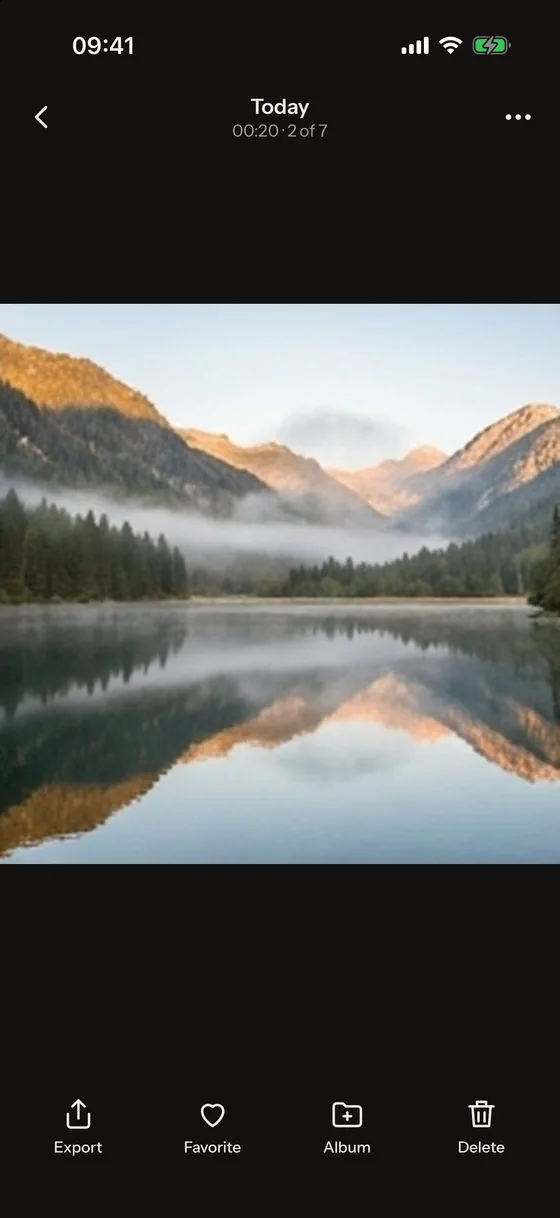
Screens from the 2026-11-01 build on an iPhone 17 Pro. Each exists in the light and the dark theme; the page shows the theme you are viewing. Right-click or long-press any screen to save it.
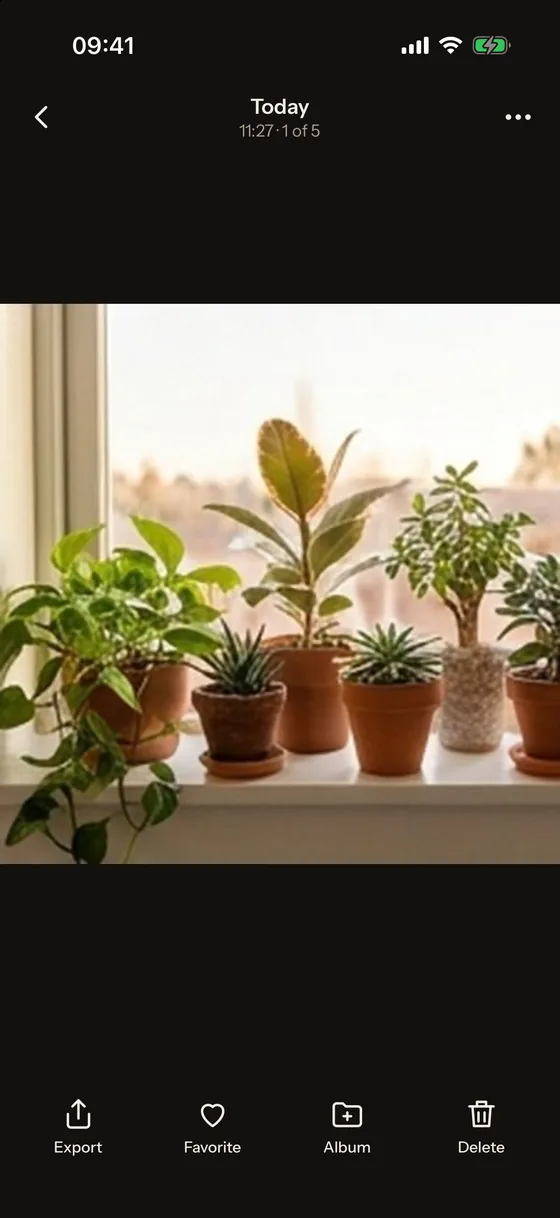
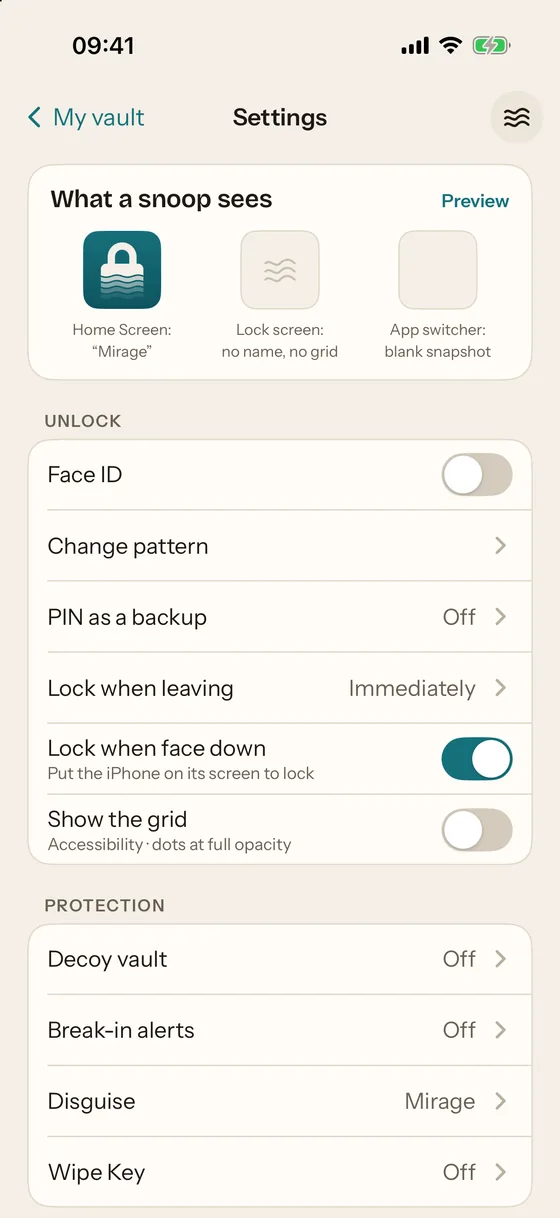
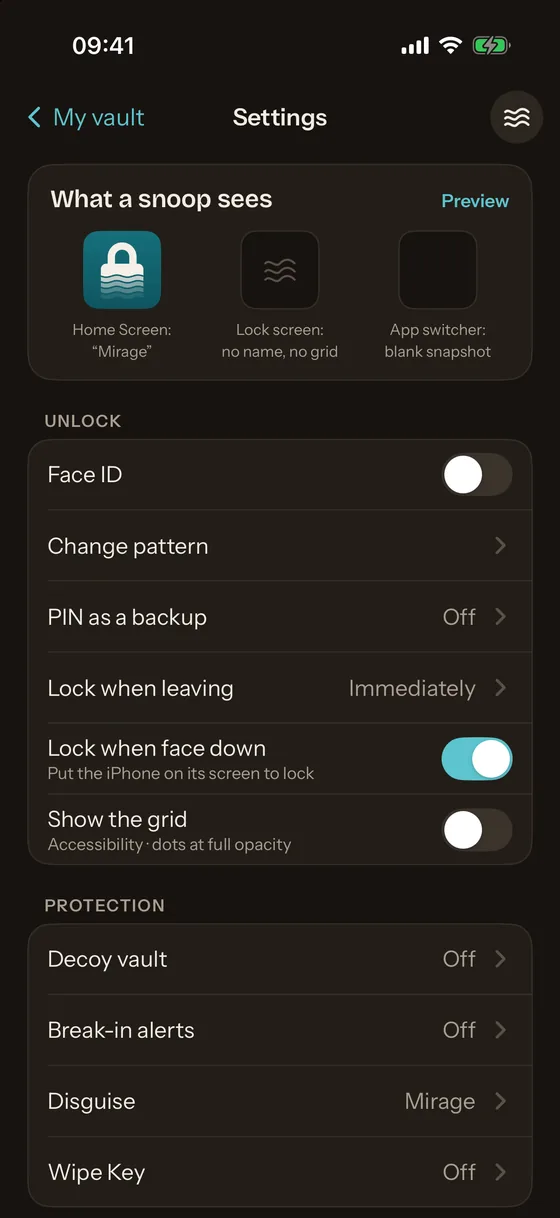
Naming and trademarks
Please write "Mirage Vault" in full on first mention. "Photo vault" is a descriptive term; it is not part of a product name we claim. iPhone, Face ID, iCloud and App Store are trademarks of Apple Inc.; Mirage Vault is not affiliated with Apple.
Contact
Questions, review builds and corrections: support at miragevault dot app. Replies usually within two working days.