

Private photo vault for iPhone
Looks like nothing. Keeps everything.
Mirage Vault is a photo vault app that does not look like one: no name on the lock screen, no grid until you draw, an icon you can change. Photos, videos, notes and files are encrypted on this iPhone, with keys behind the Secure Enclave. No account, no server, no analytics.
- AES-256-GCM
- Secure Enclave
- No account
- No analytics
- iOS 17+
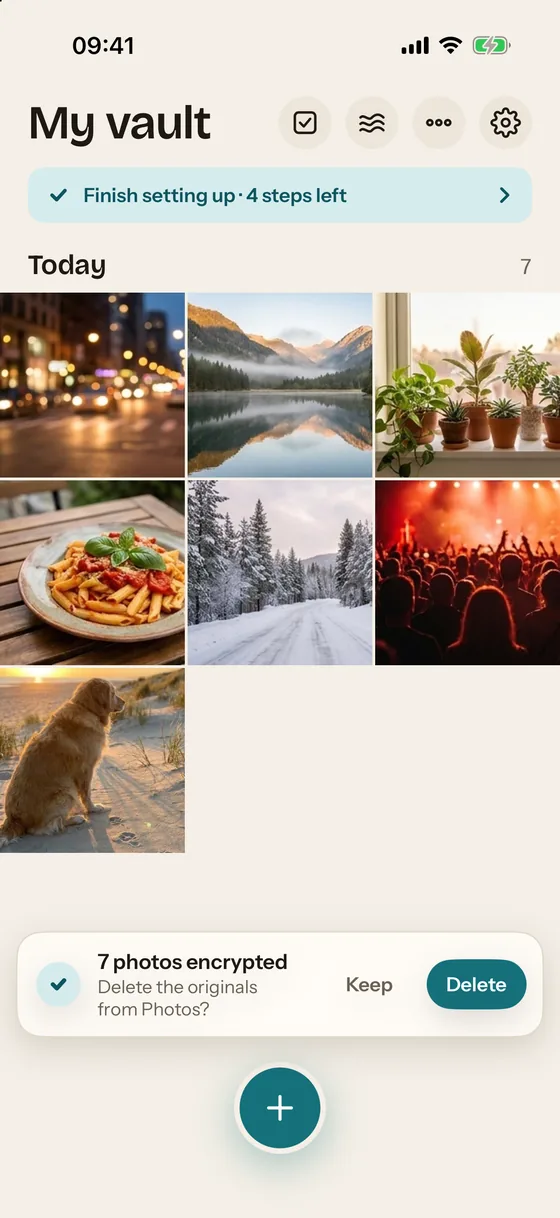
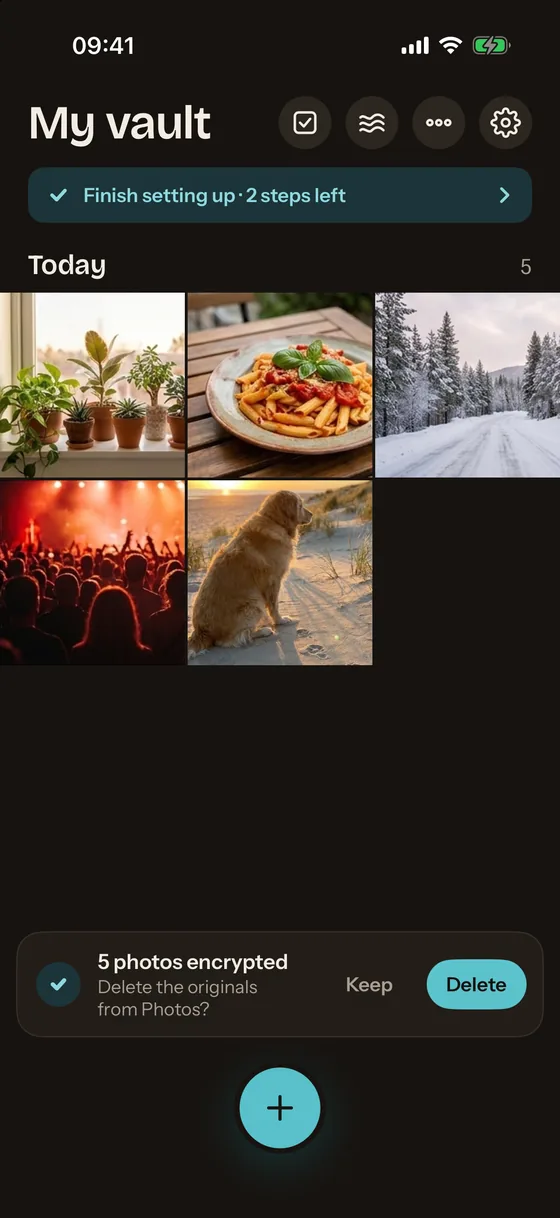
Tap to see the vault dissolve into haze, the way it does in the app.
What a snoop sees
Three places a vault usually gives itself away
The first thing in the app's settings is a preview of exactly this. On the Home Screen, on the lock screen and in the app switcher, Mirage shows nothing worth a second look.
Home Screen
A calm icon with no lock, shield or seal. Mirage Pro swaps it for an icon of a different kind of app; the label under it stays "Mirage", because iOS does not let apps rename themselves.
Lock screen
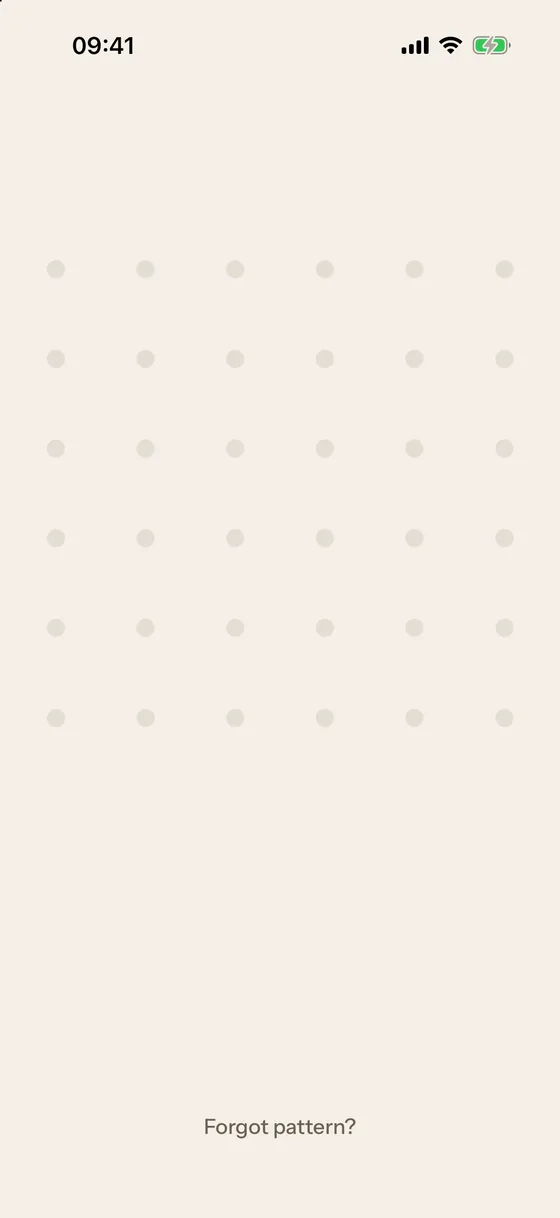
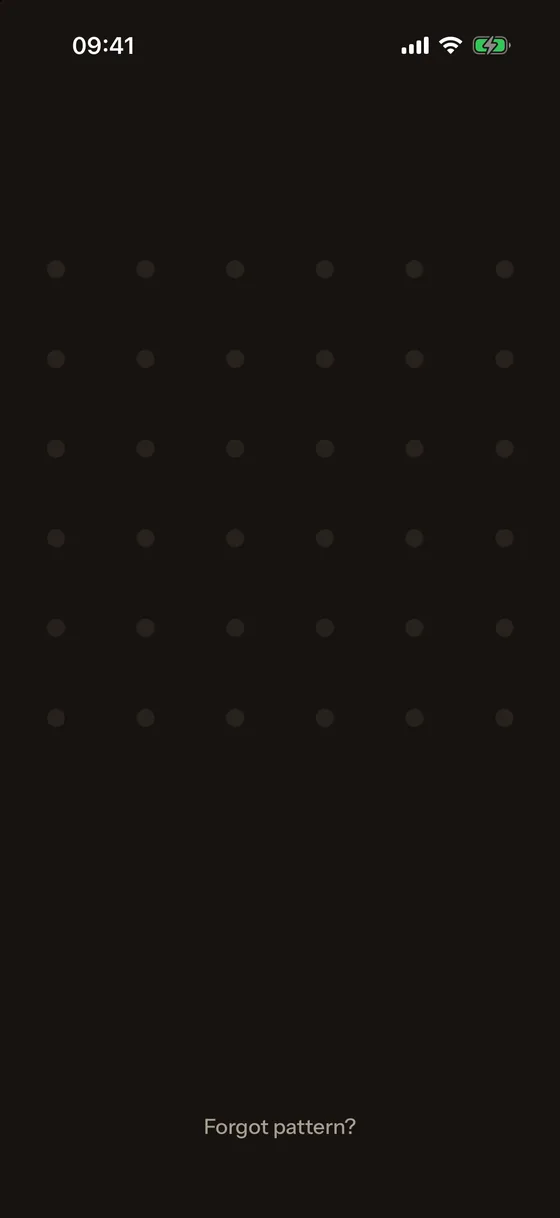
Blank sand: no app name, no logo, no grid. The dots appear under your finger when you start drawing and fade when you lift it.
App switcher
A blank snapshot. Whatever was open in the vault is covered the moment you leave the app, and the vault locks on leaving unless you choose a grace period.
Six things other vaults do not do
Protection that holds up when the iPhone is in someone else's hands
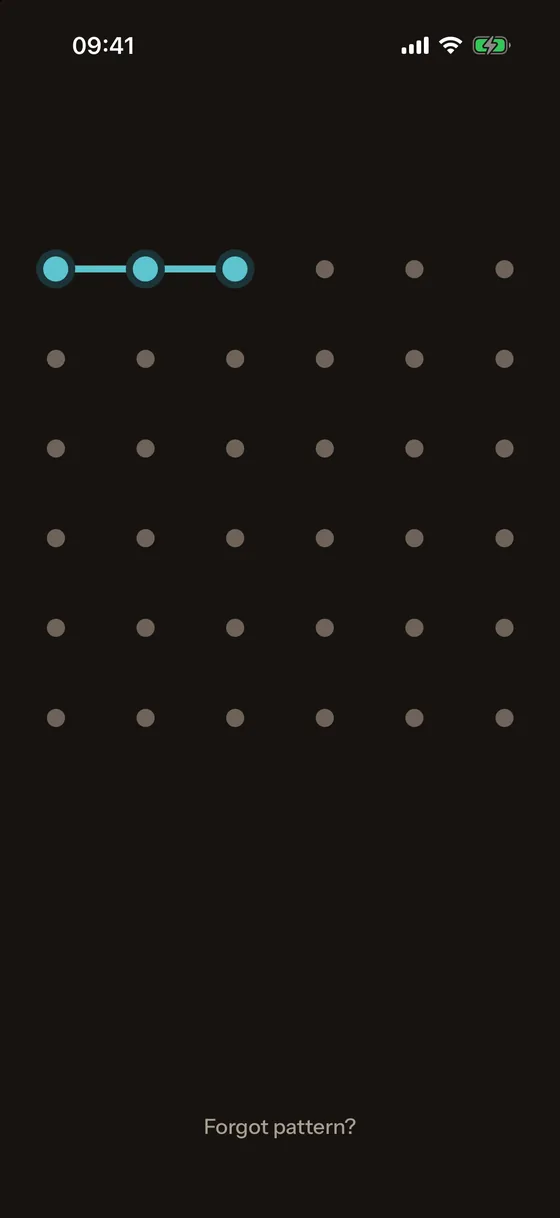
Draw anywhere
A 6×6 pattern grid that exists only while you draw. Start anywhere on the blank screen; at least five dots in one stroke. A wrong pattern shakes the dots and says nothing. 5 wrong tries start a pause that doubles up to 1 hour.
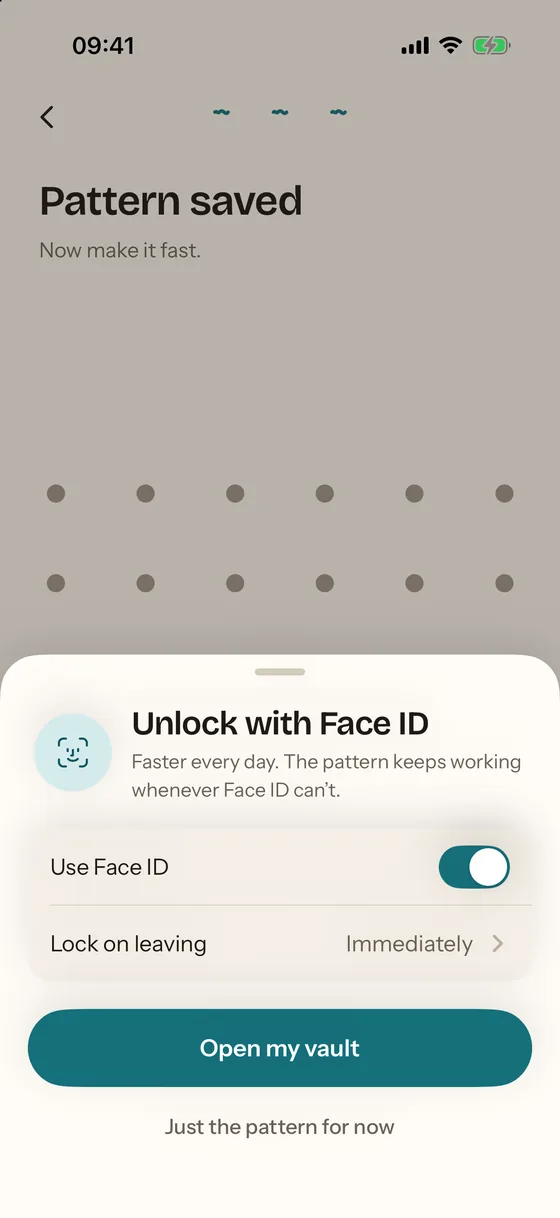
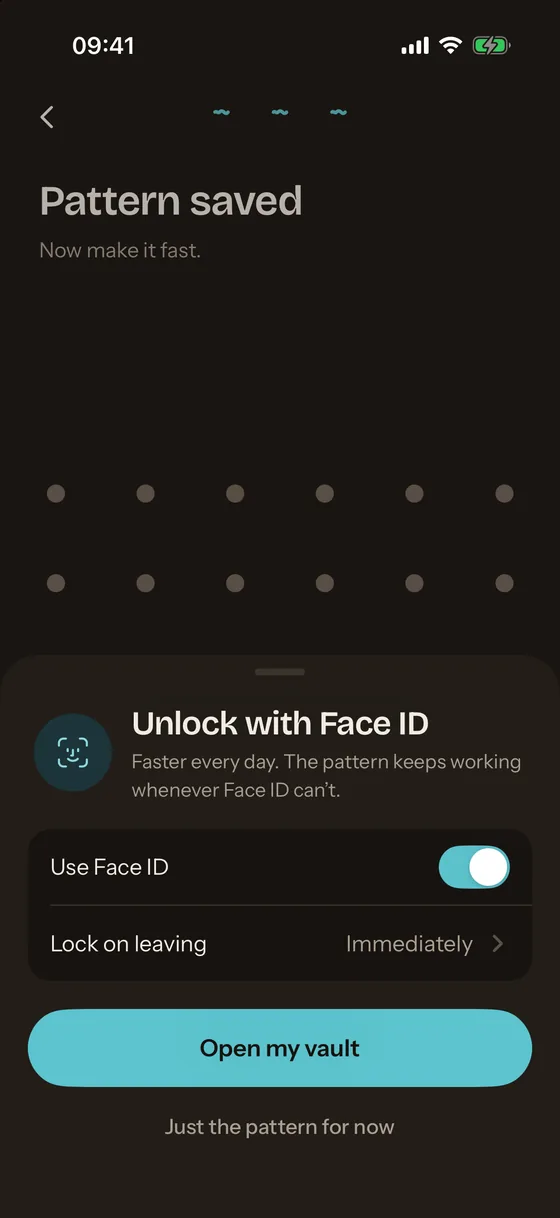
Face ID, done properly
Face ID opens the real vault, never the decoy. Its key lives in the Secure Enclave and is bound to the faces enrolled when you turned it on; a newly added face does not open the vault. How Face ID works in Mirage.
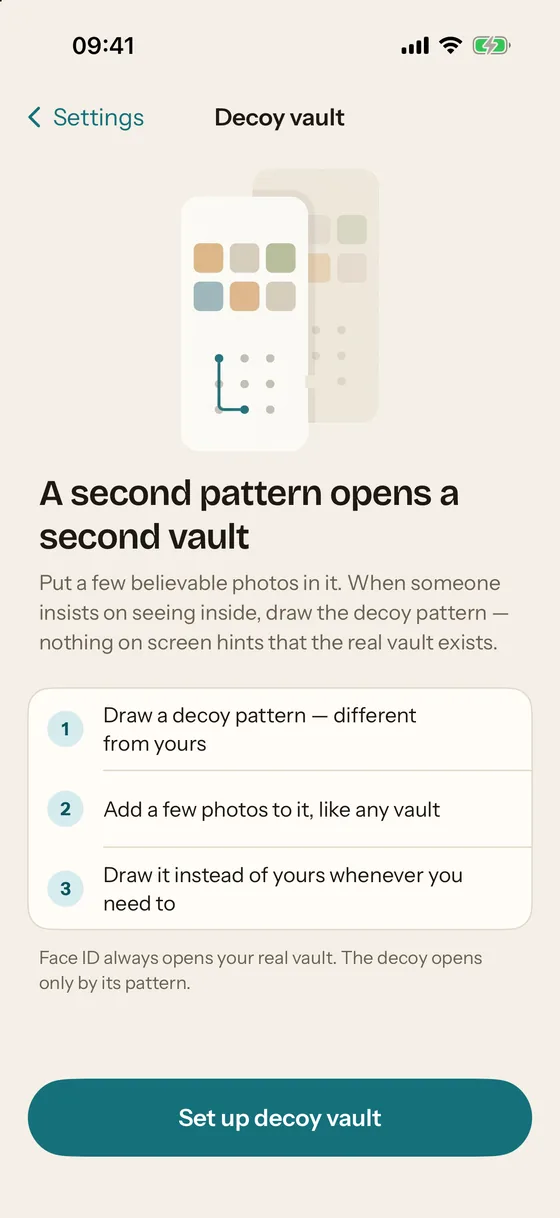
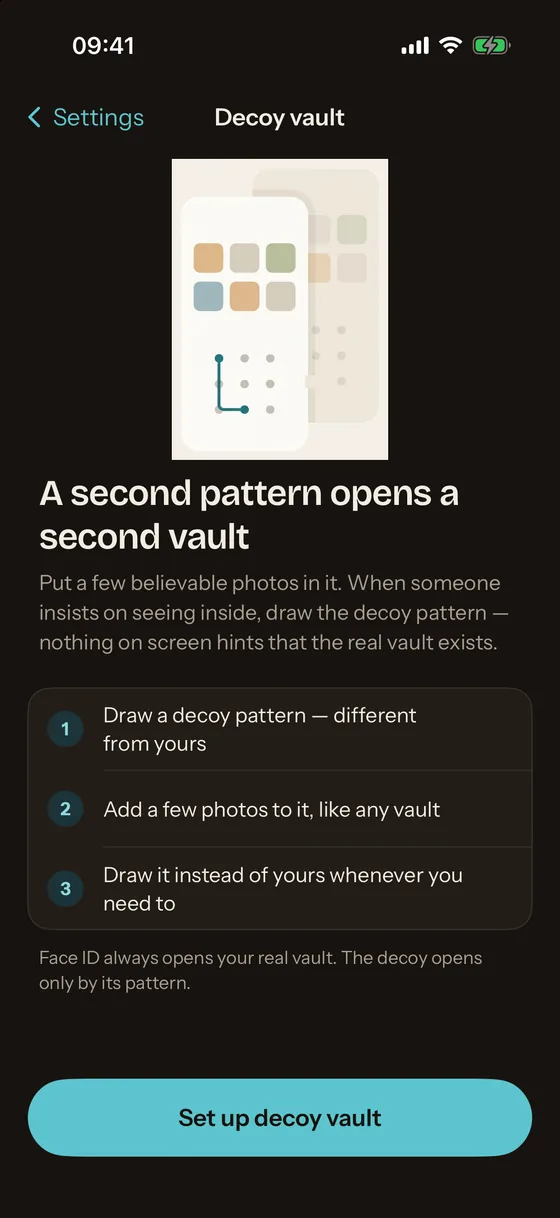
Decoy vault
A second pattern opens a second vault with a few believable photos. Nothing on screen or on disk hints that the real one exists. Setting up a decoy vault. Mirage Pro.
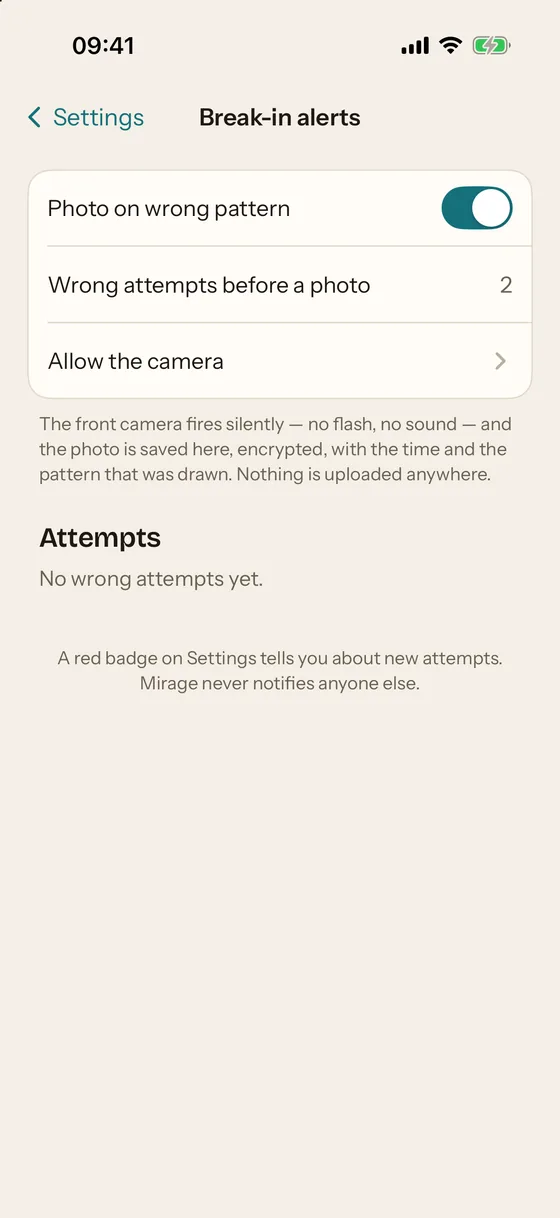
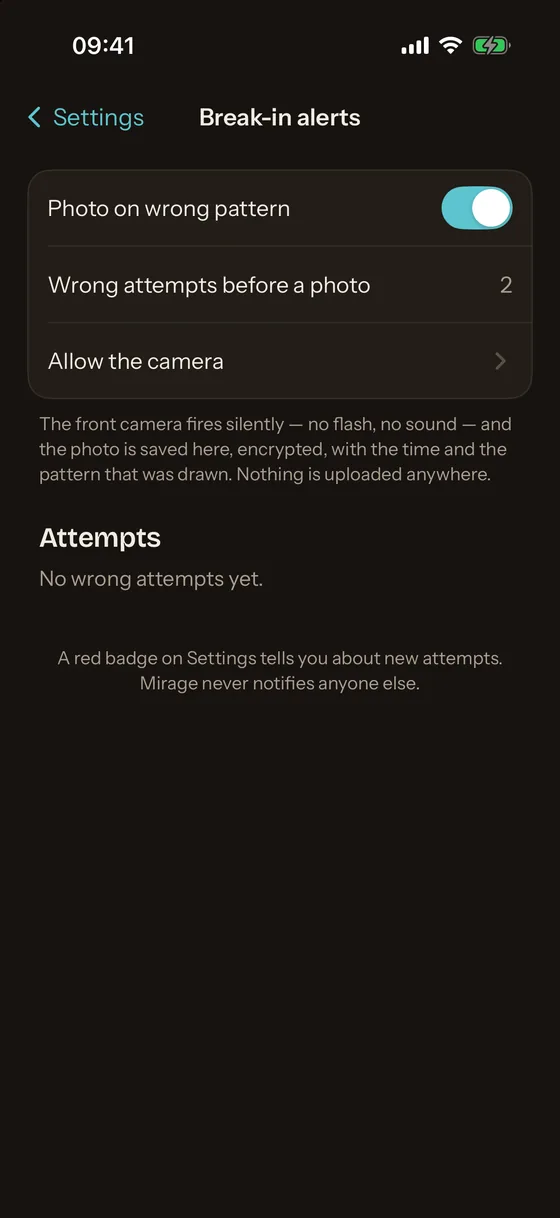
Break-in alerts
After two wrong attempts (your choice), the front camera takes one silent frame. The frame, the time and the pattern that was drawn are sealed to the vault's key and stay on the iPhone. No location, no upload. Mirage Pro.
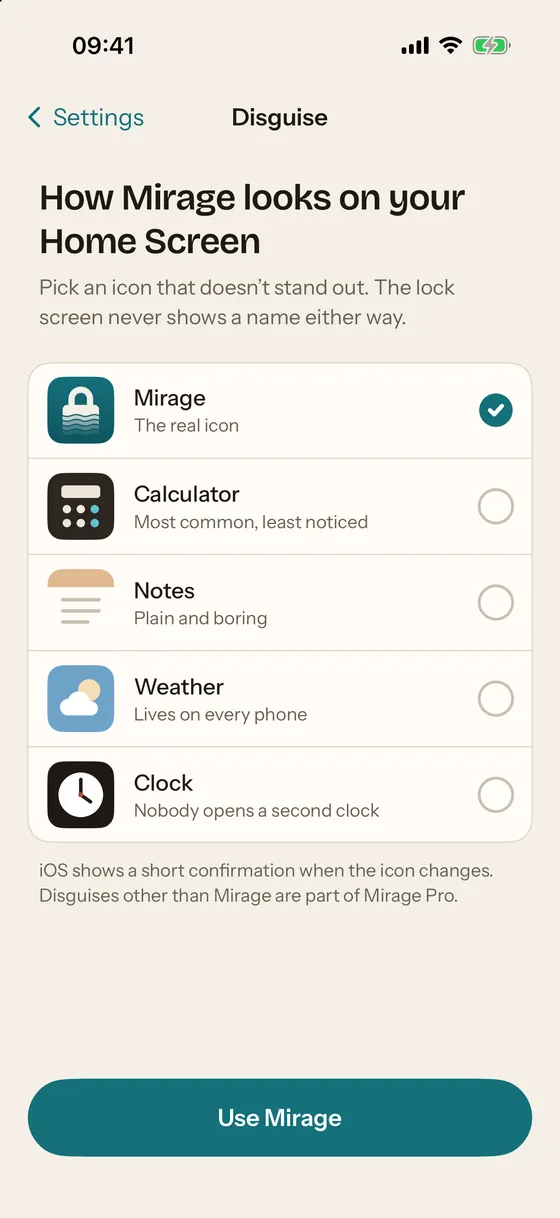
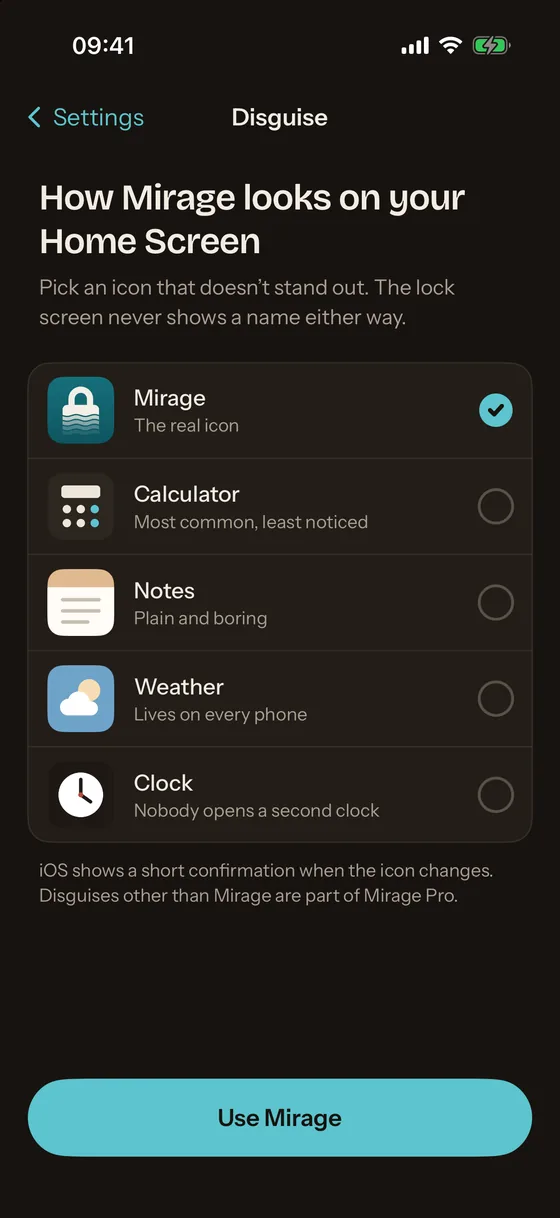
Disguise
Change the Home Screen icon to one that does not say "vault". Honest limit: iOS keeps the label "Mirage" under any icon and shows a short confirmation when it changes; the app shows the Shortcuts route for a different name. Mirage Pro.
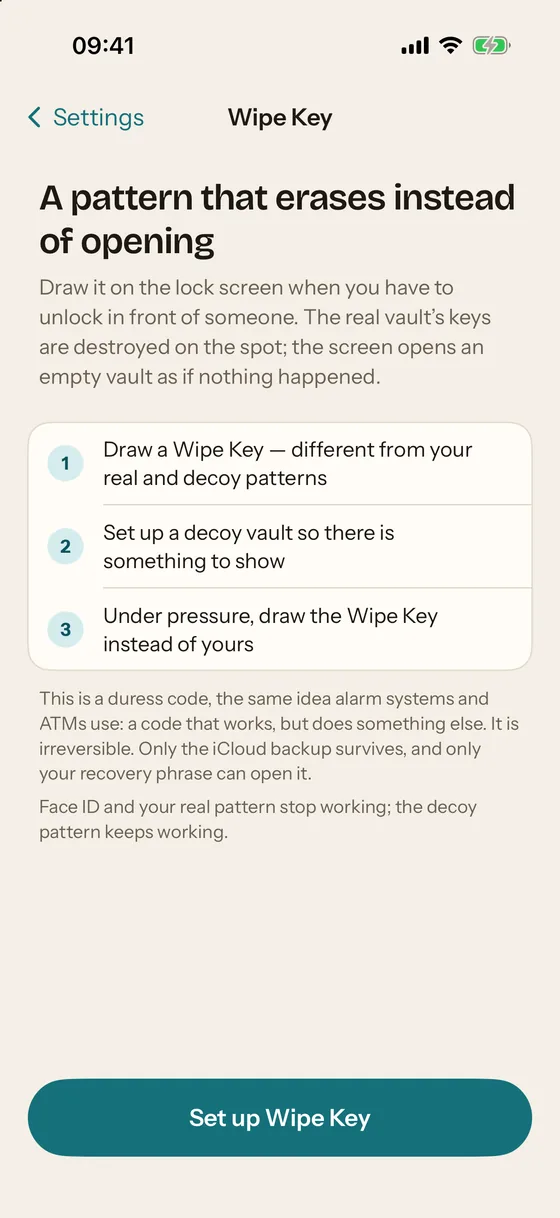
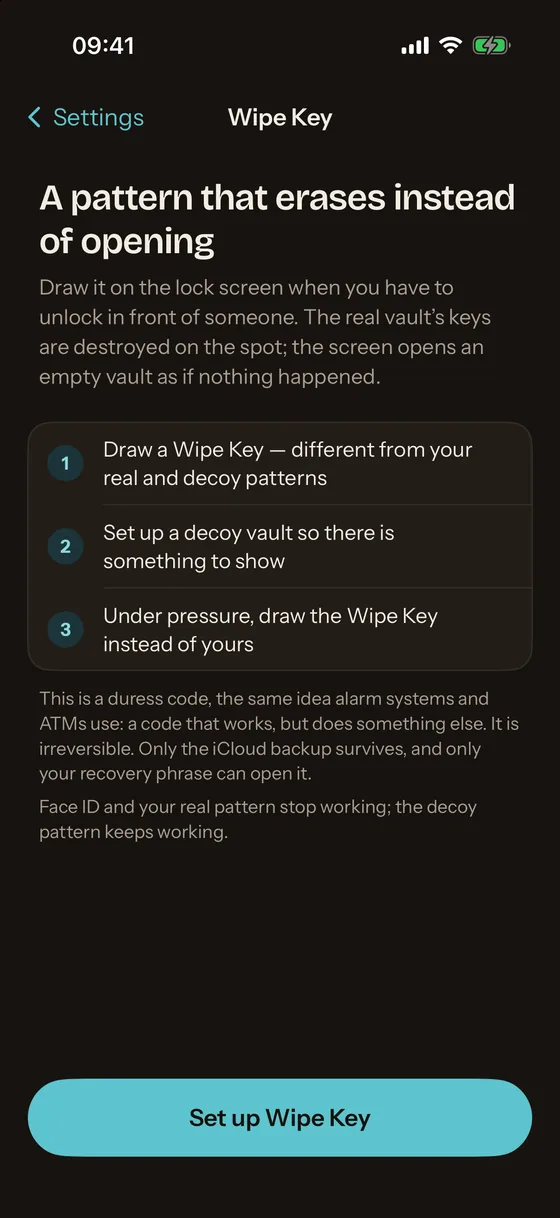
Wipe Key
A pattern that erases instead of opening. Under pressure, draw it: the real vault's keys are destroyed on the spot and the decoy opens as if nothing happened. The encrypted iCloud backup survives for your recovery phrase. Mirage Pro.
Real encryption, not a PIN screen
Every photo is encrypted on the iPhone, and the key never leaves it
Many photo vault apps hide an album behind a PIN and keep the files readable. Mirage Vault encrypts each file under its own key and locks the vault key behind the Secure Enclave, so a copy of the files is useless anywhere else.
- Pattern or PIN → PBKDF2-HMAC-SHA256, at least 600,000 rounds
- Secure Enclave wraps the result with a key that cannot be copied off the iPhone
- Vault key, 256 random bits, unwrapped only in memory
- A key per file, wrapped by the vault key
- AES-256-GCM in 1 MiB chunks, tamper-evident
Face ID and the recovery phrase are separate doors to the same key. The security page has the full threat model and what the app cannot protect you from.
Backup and recovery
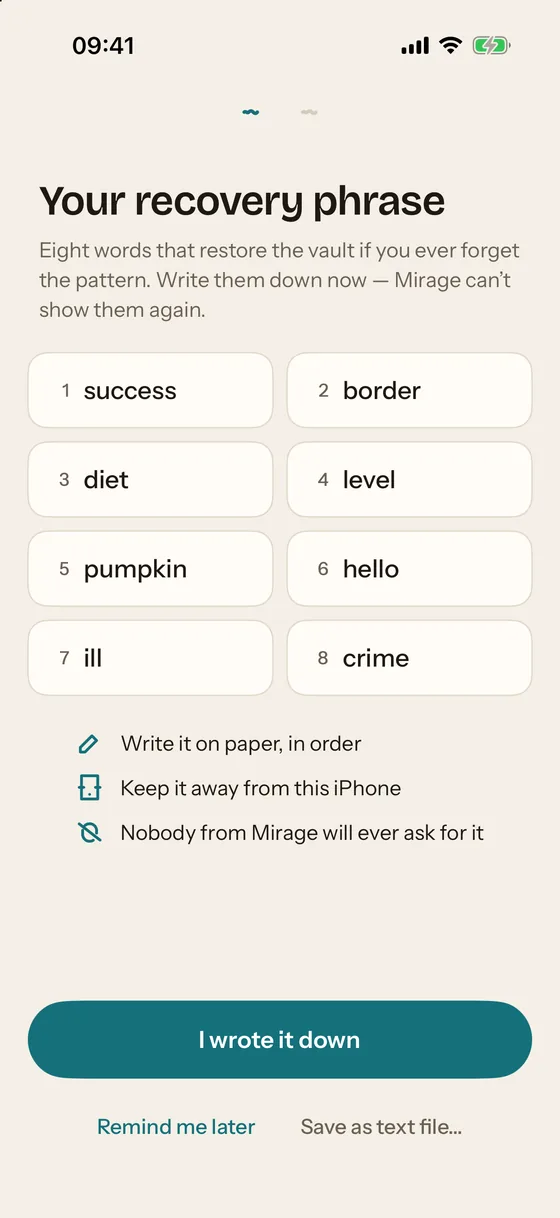
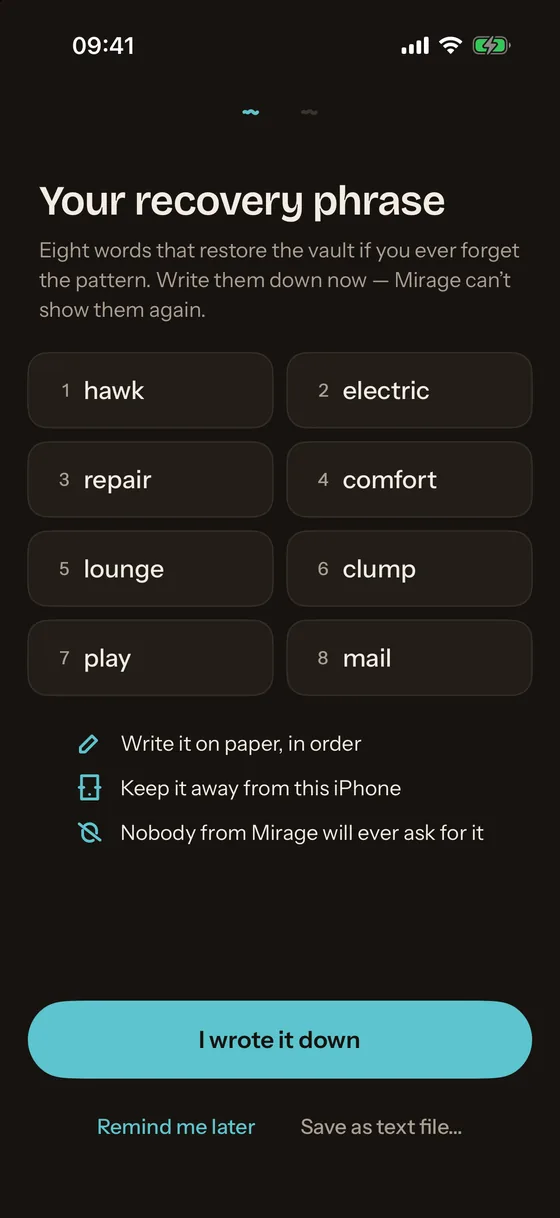
Encrypted iCloud backup, free. Eight words to get it back.
The same encrypted files go to your own iCloud account; Apple sees ciphertext and Mirage sees nothing. On a new iPhone, the 8-word recovery phrase restores the vault. It is shown once, never stored, and nobody from Mirage will ever ask for it.
We cannot recover it for you. That is the point: a vault anyone can reset is a vault anyone can open. What to do if you forget the pattern.
Compared on facts
How Mirage Vault differs from other photo vault apps
We make Mirage. These four rows are what the other apps' listings and sites state; the comparison pages give every row with dates and sources.
| Question | Mirage Vault | Typical photo vault app |
|---|---|---|
| Where is the key? | Wrapped by the Secure Enclave; no offline guessing | Derived from the PIN or pattern on the file system, or not stated |
| Account? | None | Often an e-mail account with a password reset, which means the company can open the vault |
| Analytics and ads? | None; no third-party code | Analytics on by default; some carry advertising and tracking in the privacy label |
| Backup? | Encrypted, to your own iCloud, free | Company cloud, often paid, encryption not always named |
Pricing
Free to start. Pro when you need the extra doors.
Also $1.99 a week. US App Store prices as of 2026-11-01. Everything about plans.
Questions people ask before installing
Is Mirage Vault free?
Is Mirage Vault safe?
Does Mirage collect data or show ads?
What if I forget my pattern?
Can I hide the app itself?
Does it work on iPad, Mac or Android?
Where does the backup go?
Put your photos somewhere that looks like nothing
Set up in a minute: draw a pattern, turn on Face ID, add the first photos. No account, no e-mail, no card.