

How Mirage Vault protects your photos
Mirage Vault encrypts every photo on the iPhone itself with AES-256-GCM, one random key per file, and locks the vault key behind the Secure Enclave. There is no account and no server: the pattern, Face ID or a recovery phrase are the only ways in, and a copy of the files cannot be guessed open elsewhere.
Who is looking, and what they get
A photo vault protects against specific people in specific situations. This is what each of them sees with Mirage Vault, and what still protects you.
| Who | What they see | What protects you |
|---|---|---|
| Someone glancing at your Home Screen or over your shoulder | A plain icon; the lock screen is blank sand with no app name and no grid | The pattern grid appears only under your finger and fades after you lift it; the app switcher shows a blank snapshot |
| Someone holding your unlocked iPhone | The blank lock screen of the vault | Face ID or the pattern; 5 wrong attempts start a pause of 30 s that doubles up to 1 hour; lock on leaving, lock when face down |
| Someone who knows your iPhone passcode | The same blank lock screen | The vault has its own key. The iPhone passcode does not open it, and Face ID for the vault is bound to the enrolled faces: adding a new face to the iPhone turns the vault's Face ID off until the pattern is drawn |
| Someone with a copy of the files or of the iCloud backup | Random-looking data under random names | AES-256-GCM with a key per file; the vault key is wrapped by a Secure Enclave key that cannot be copied, so the pattern cannot be guessed offline. The backup opens only with the 8-word recovery phrase |
| Someone forcing you to unlock | Whatever vault you choose to show | A decoy vault behind a second pattern, and a Wipe Key: a pattern that erases the real vault's keys on the spot and opens the decoy instead (both Mirage Pro) |
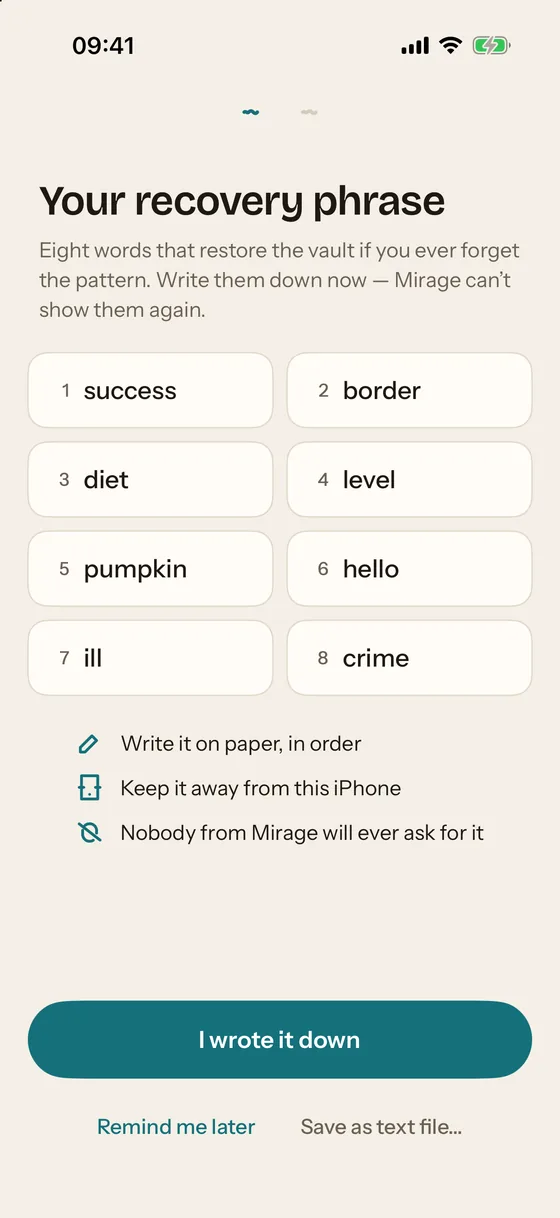
| Mirage, or anyone asking Mirage | Nothing: there is no account, no server and no copy of the key | The recovery phrase is shown once and never stored; nobody from Mirage will ever ask for it |
What the encryption actually is
These are the parameters in the app's source, not a summary.
- Your pattern or PIN goes through PBKDF2-HMAC-SHA256 with at least 600,000 iterations, calibrated to take at least 250 ms on your iPhone. The result is never the vault key itself.
- The Secure Enclave wraps the result: ECIES on a P-256 key in the Secure Enclave. The private key is created inside the Secure Enclave and cannot be read out, so a copy of the files and the Keychain is not enough to try patterns on another machine.
- The vault key (256 random bits, one per vault) is unwrapped only in memory, only after a correct pattern, Face ID or recovery phrase.
- Each file has its own random key, wrapped by the vault key. Photos, videos, notes, scans, thumbnails and previews are all separate objects.
- Each file is sealed in 1 MiB chunks with AES-256-GCM: a fresh nonce per chunk and authenticated data that binds the chunk to its file, its position and whether it is the last one. A changed, truncated or swapped chunk is detected, not decrypted.
Other facts of the format: file names on disk are random 128-bit identifiers; the container lives under NSFileProtectionComplete and is excluded from device backups; the header holds 8 key slots of identical length, and unused slots are filled with random bytes so the files do not reveal whether a decoy vault or a Wipe Key exists. Face ID has its own Secure Enclave key, created with the current set of enrolled faces, with no fallback to the iPhone passcode. Videos play through an encrypted resource loader, chunk by chunk, without a temporary decrypted file. Break-in records are sealed with HPKE (P-256, HKDF-SHA256, AES-GCM-256) while the vault is locked, so only the real vault's key can open them later.
Backup and recovery
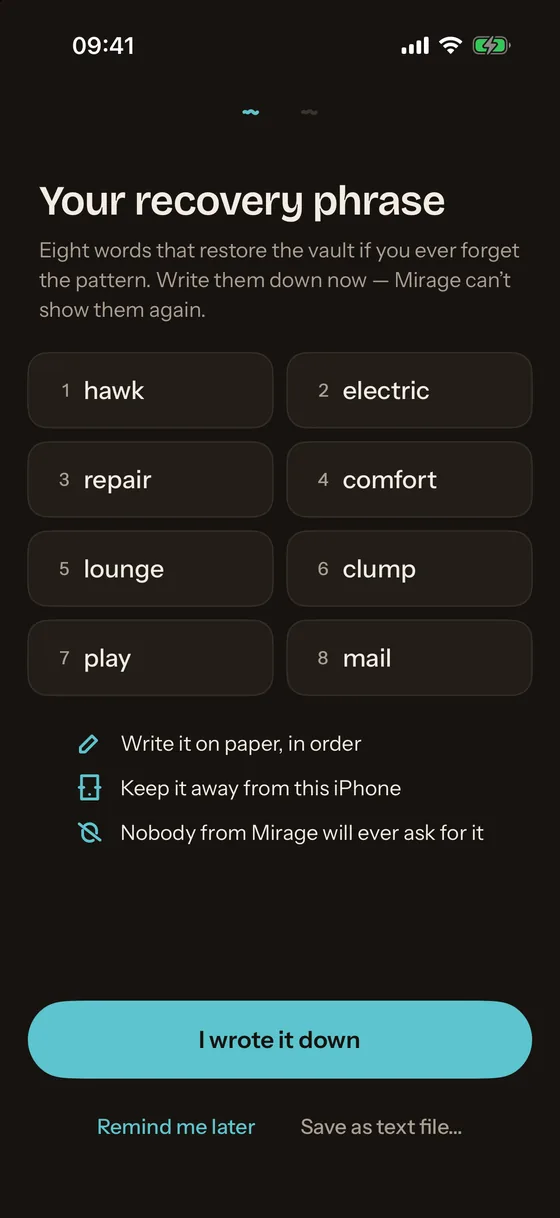
Encrypted iCloud backup is free for everyone and on by default. It uploads the same encrypted objects to the private database of your own iCloud account; Apple sees ciphertext, Mirage sees nothing at all. The backup opens only with the recovery phrase: 8 words from the BIP-39 list (88 bits), shown once and never stored. The phrase is the only key that works on a different iPhone, because every other key is bound to the Secure Enclave of the iPhone that created it.
What was checked, and by whom
The container format and the app layer were reviewed on 2026-10-31: code reading, an independent second pass over the format, and a stress-test target with concurrency, tampering, fuzzing and plaintext-leak checks (71 tests in the package, all passing, also under Thread Sanitizer). The file encryption held up against bit flips, random mutations, truncation at every boundary and chunk swaps between files: no wrong plaintext was ever returned. The findings were in vault and slot logic and in the iCloud backup, and the critical and high ones were fixed the same day; the audit document records each with its status.
The MirageCrypto module, which defines the container format and the keys, is written as a standalone package so that it can be published on GitHub. This page will link to it once it is public.
A one-paragraph summary of the app, the icon and screenshots for coverage are in the press kit.
Security pages
- Are photo vault apps safe? Seven things to check before you trust one
Seven checks that separate an encrypted vault from a hidden folder with a PIN screen.
- Is a calculator vault app safe? What the disguise protects, and what it does not
What a calculator disguise is worth, what to check behind it, and how Mirage hides without pretending.