

Mirage Vault features
What the Mirage Vault app does on an iPhone, feature by feature, with the limit of each one stated next to it. Everything below is in the current build; nothing is planned or promised.
Pattern drawn anywhere
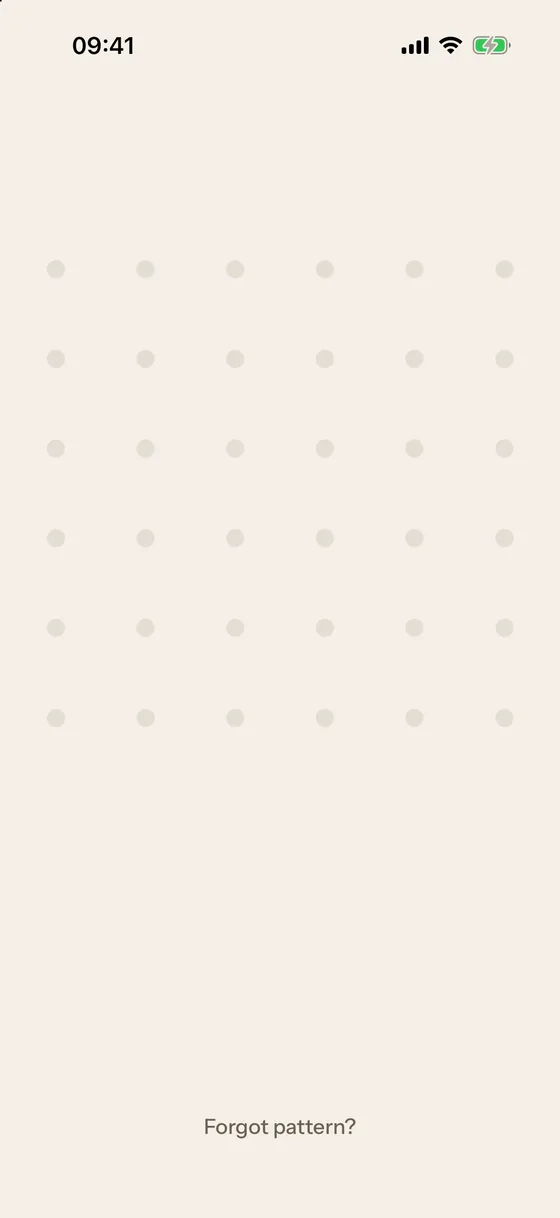
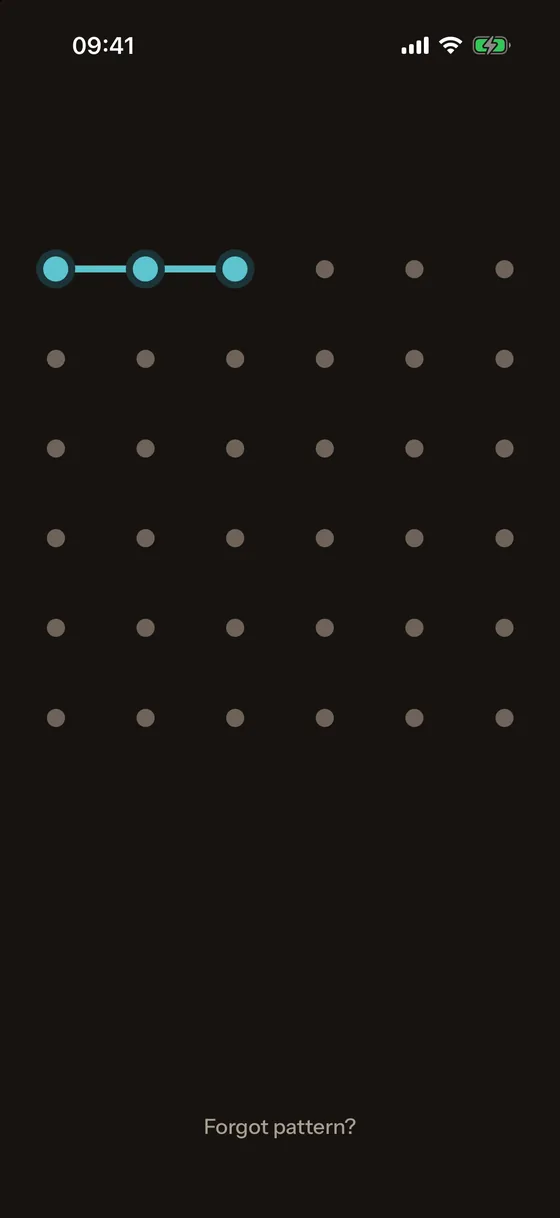
The lock screen is blank. Touch it anywhere and a 6×6 dot grid appears under your finger; connect at least five dots in one stroke and lift. The dots and the stroke fade a moment later, and the screen looks empty again. A wrong pattern shakes the dots and says nothing.
The pattern is the primary key. A PIN of 4 to 6 digits can be the primary key instead, or a backup for the pattern. 5 wrong attempts start a pause of 30 s that doubles up to 1 hour.
Face ID
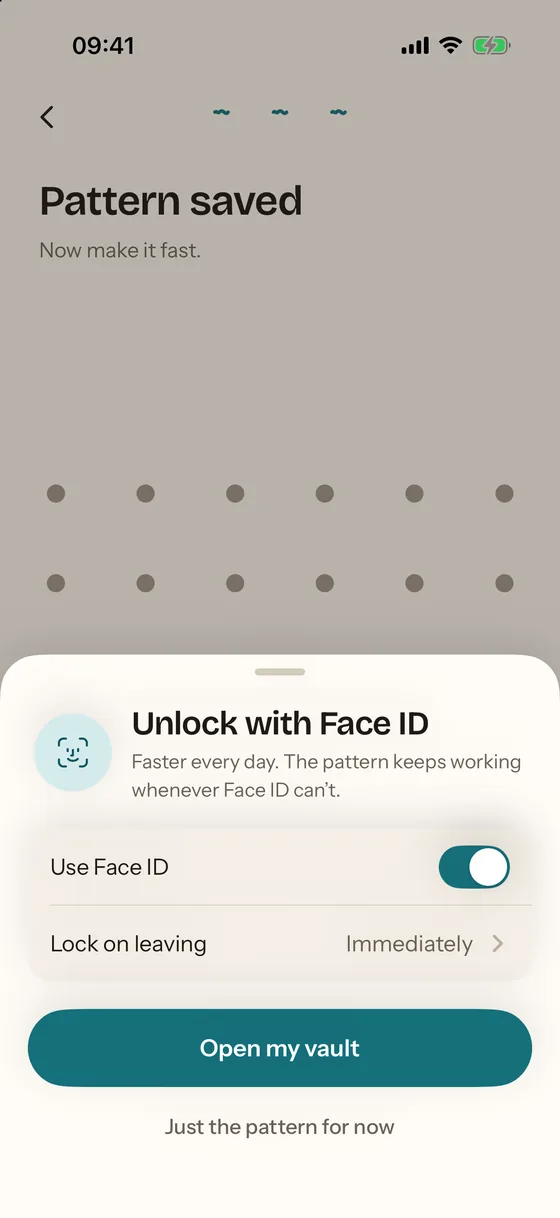
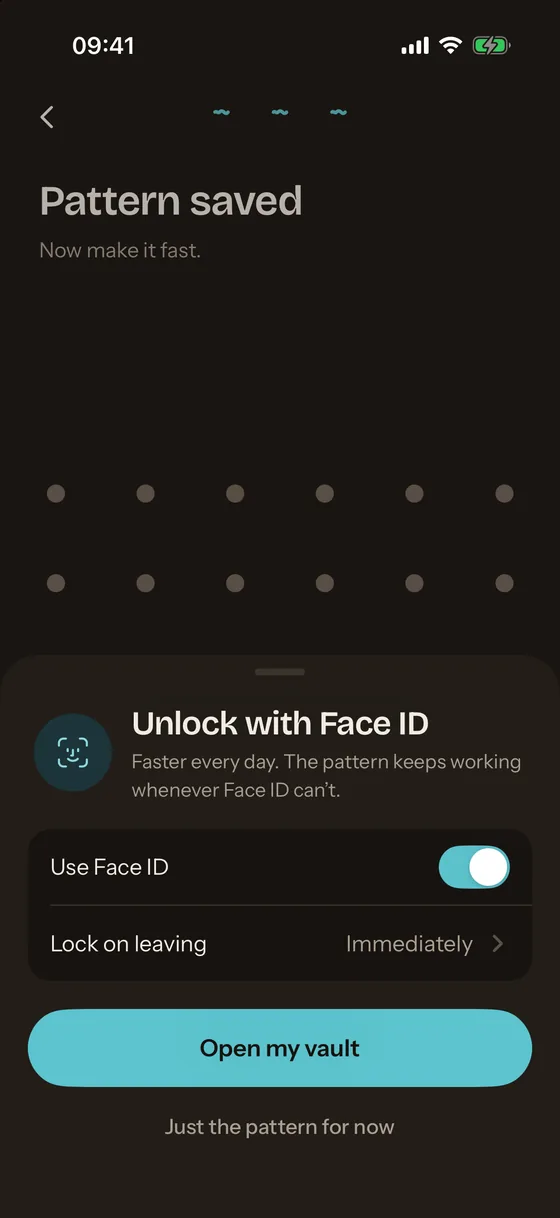
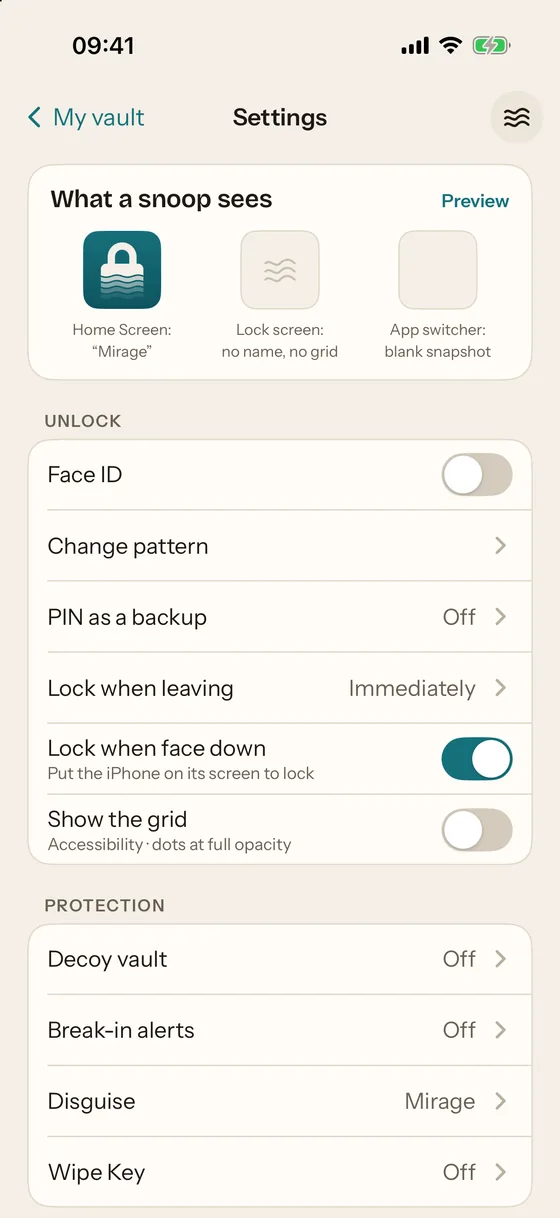
Face ID opens the vault as soon as the app comes to the front. It is bound to the faces enrolled on the iPhone when you turned it on: a newly added face does not open the vault, and the pattern turns Face ID back on. Face ID never opens the decoy vault.
How Face ID works in the vault explains the key behind it and the lock timing options.
Decoy vault
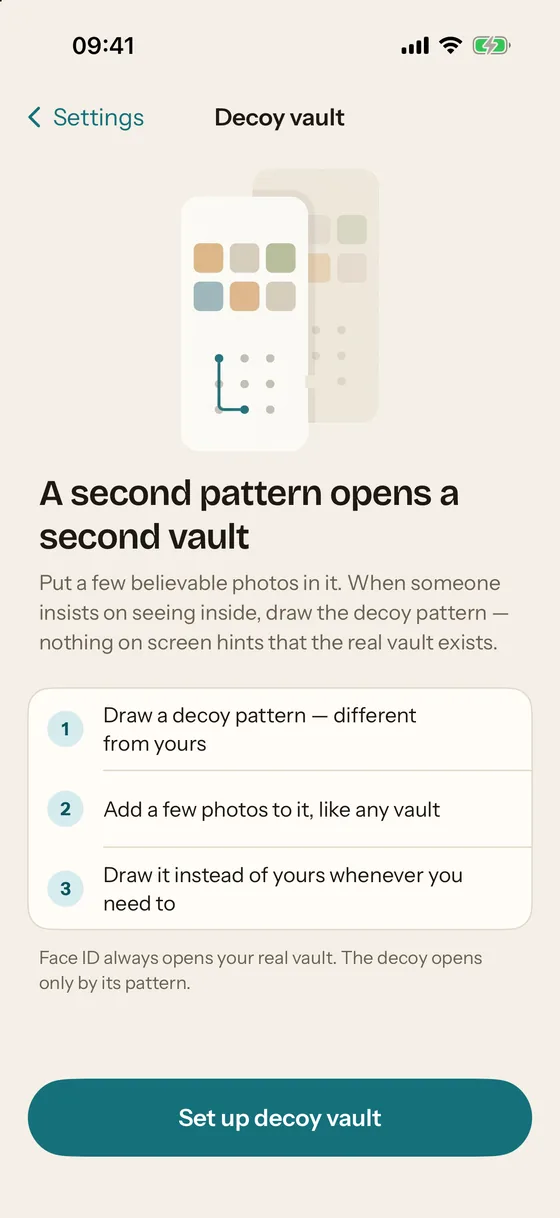
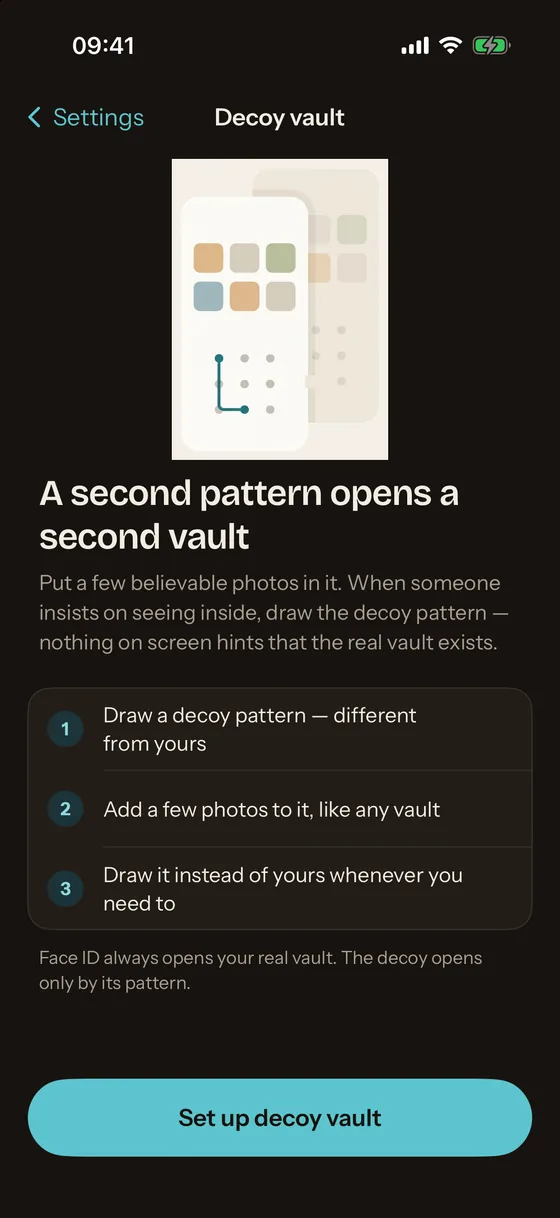
A second pattern opens a second vault with its own photos and its own key. Nothing on screen tells the two apart, and the files on disk do not reveal that a second vault exists. Mirage Pro.
Setting up a decoy vault covers the steps and what the decoy can and cannot do.
Break-in alerts
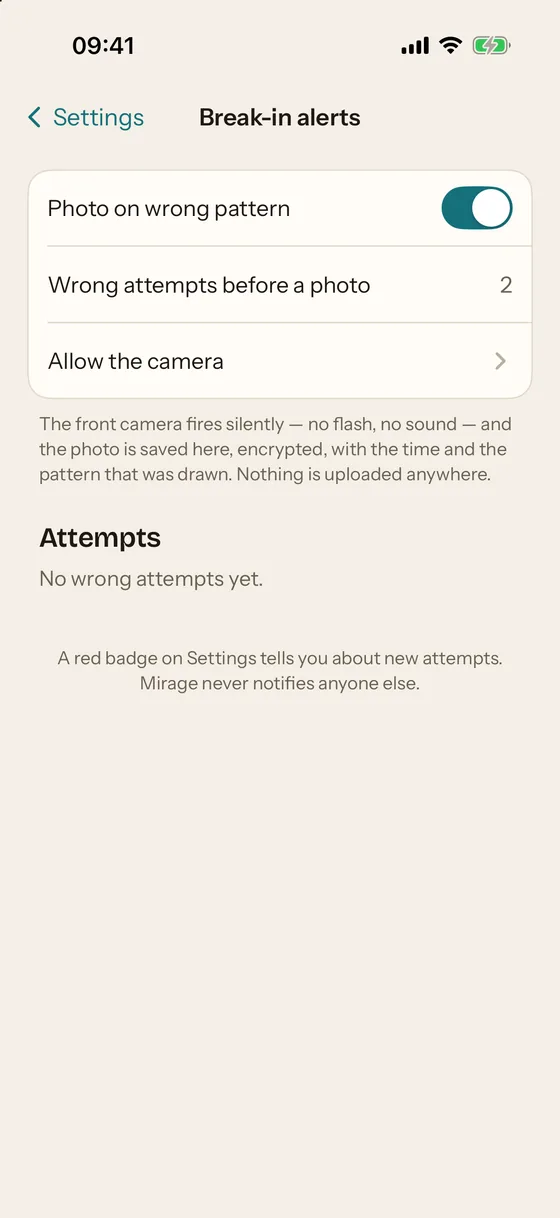
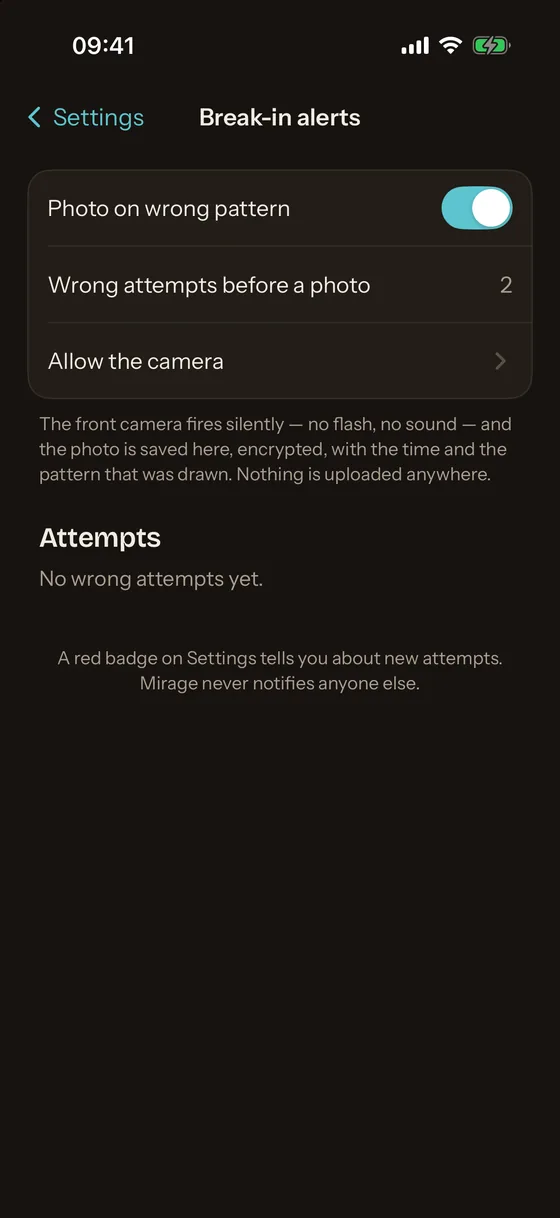
After a chosen number of wrong attempts (two by default), the front camera takes one frame without flash or sound. The frame, the time and the pattern that was drawn are sealed with the vault's public key while the vault is still locked, so only the real vault can open the record later. No location is recorded, and nothing is uploaded. A red badge on the Settings gear shows new attempts. Mirage Pro.
Disguise icon
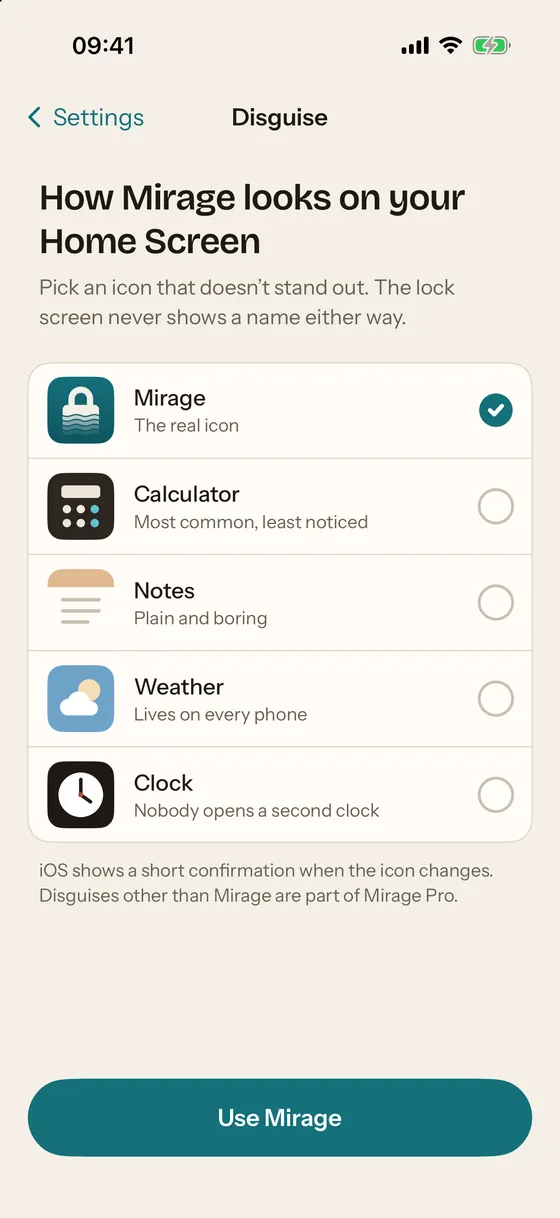
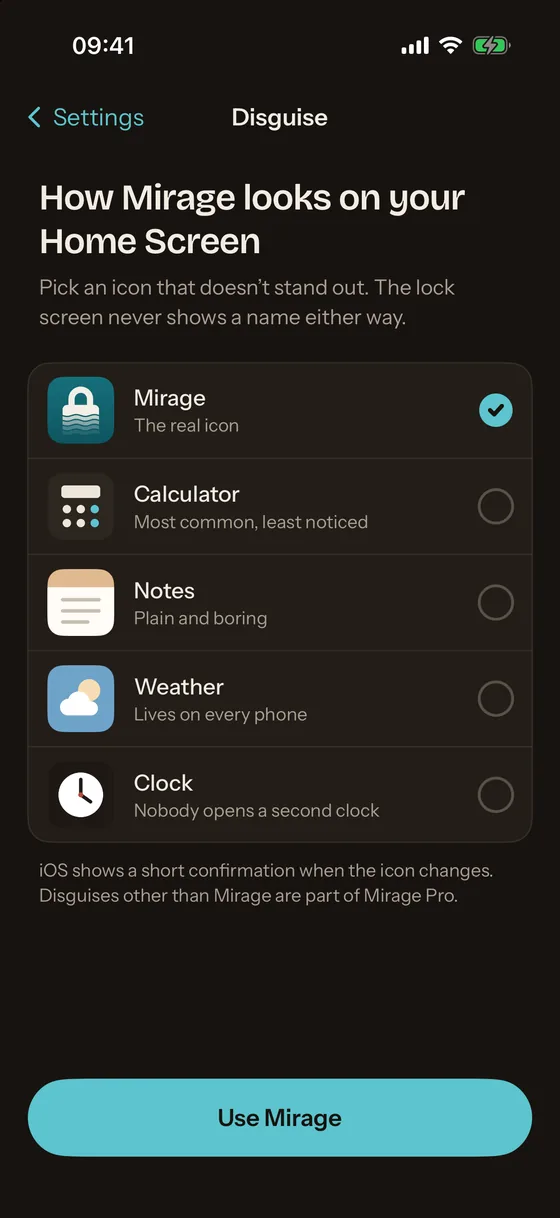
The Home Screen icon can be changed to one that does not say "vault". The lock screen never shows a name either way. Mirage Pro.
Wipe Key
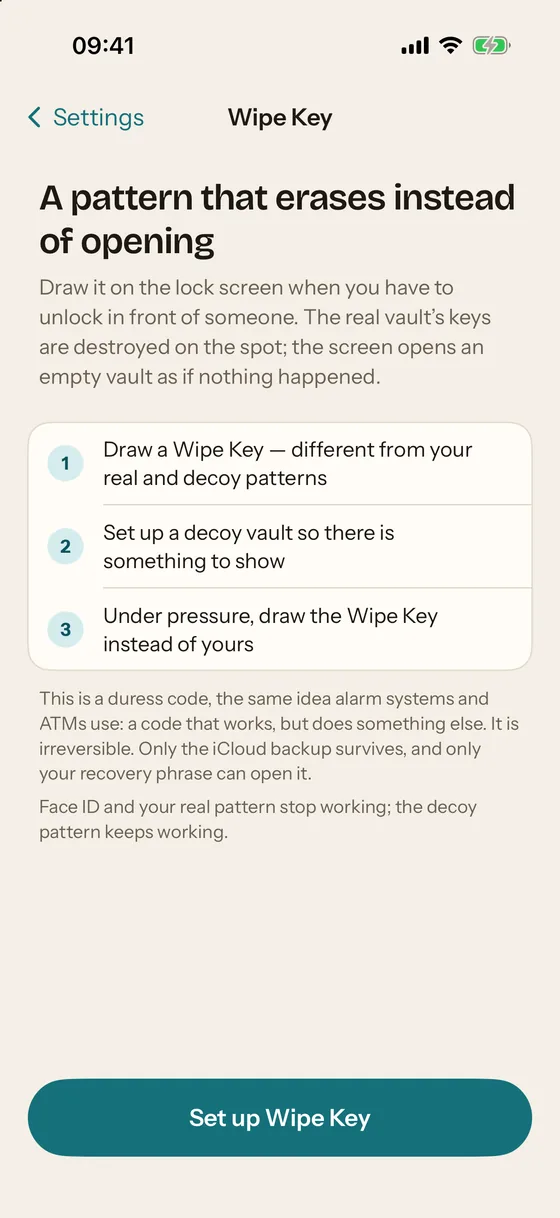
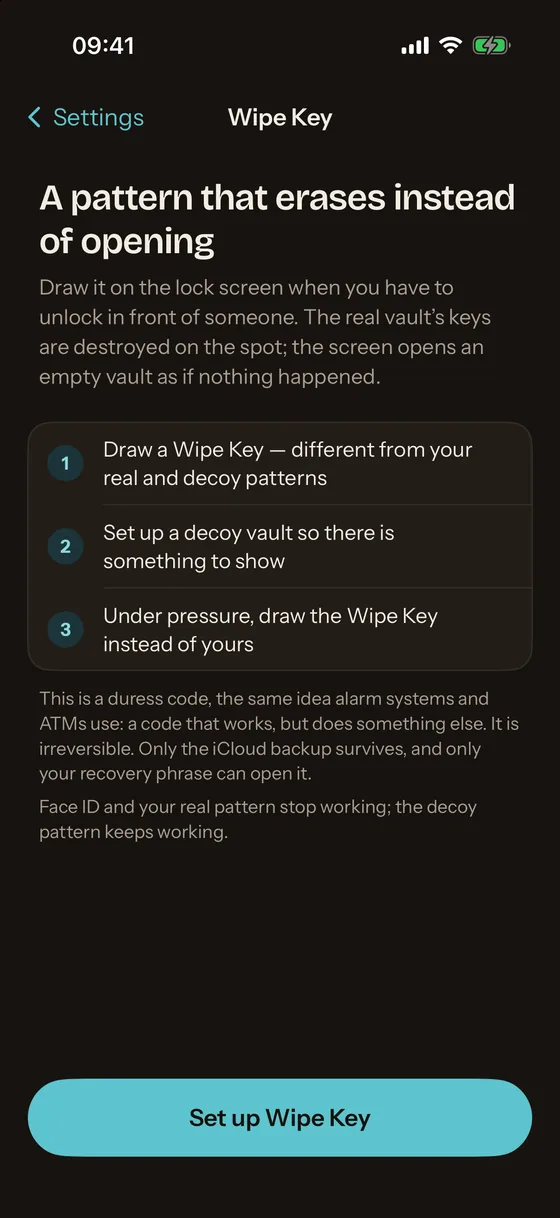
A third pattern that erases instead of opening: a duress code, the same idea alarm systems and ATMs use. Drawn on the lock screen, it destroys the real vault's keys on the iPhone and opens the decoy vault (or a fresh empty one) as if nothing happened. It is irreversible on the device. The encrypted iCloud backup is left alone and still opens with the recovery phrase. Mirage Pro.
The Wipe Key slot never holds the real vault key, only the ability to erase, so handing it over cannot hand over the photos.
Encrypted iCloud backup, free
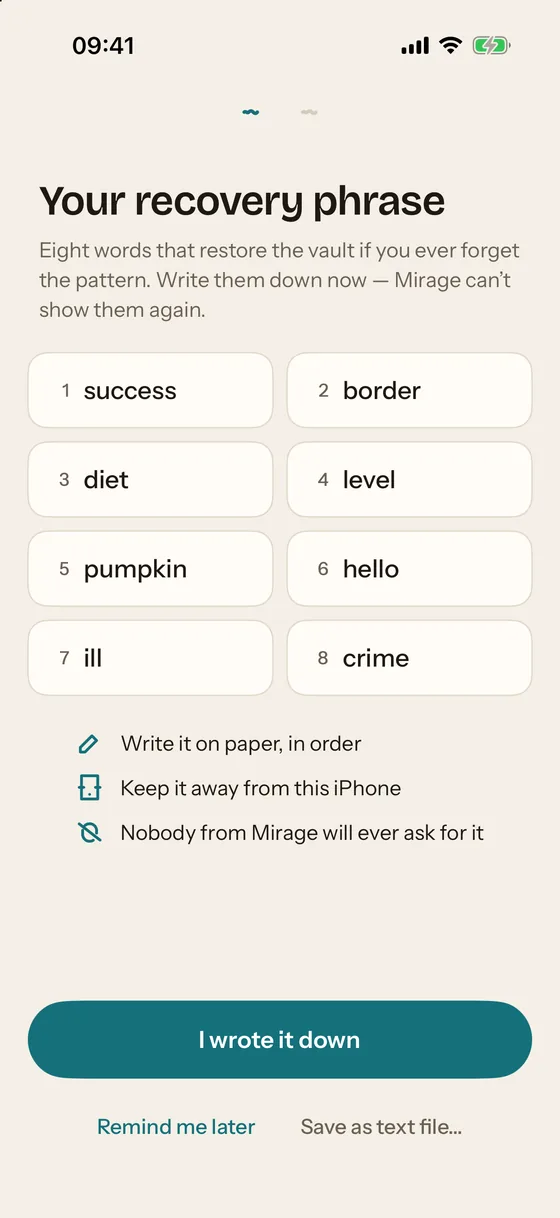
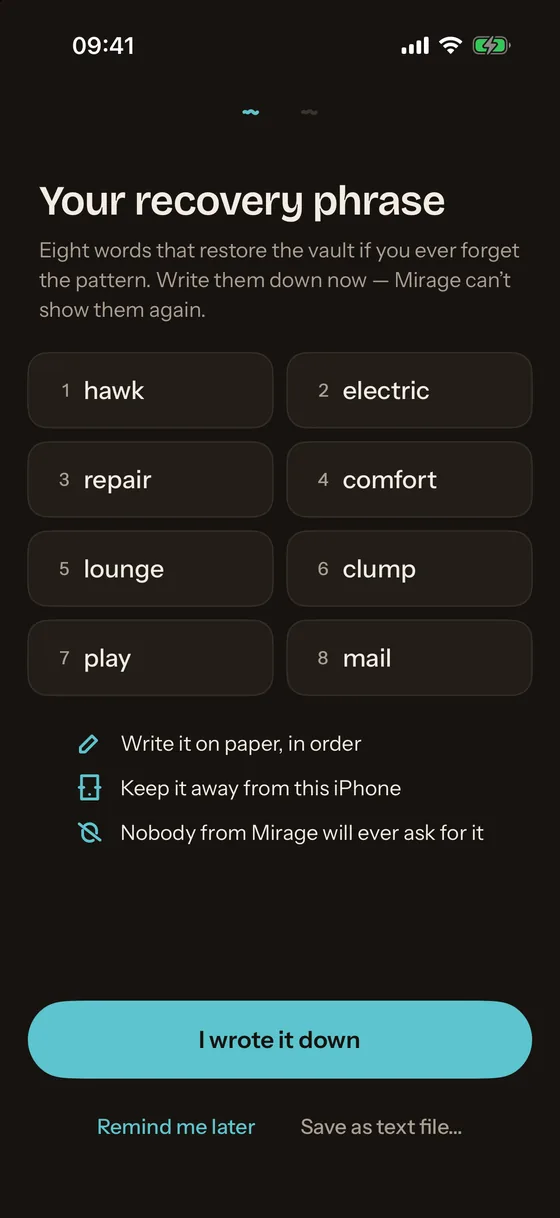
On by default, free on every plan. The same encrypted objects go to the private database of your own iCloud account; nothing is readable there. The backup is restored on a new iPhone with the 8-word recovery phrase, and with nothing else. Turning backup off removes the data from iCloud.
The container itself is excluded from device backups, so an iPhone backup or a Quick Start transfer does not carry the vault. Moving the vault to a new iPhone explains the one way that works.
Photos, videos, notes, scans, files, voice memos
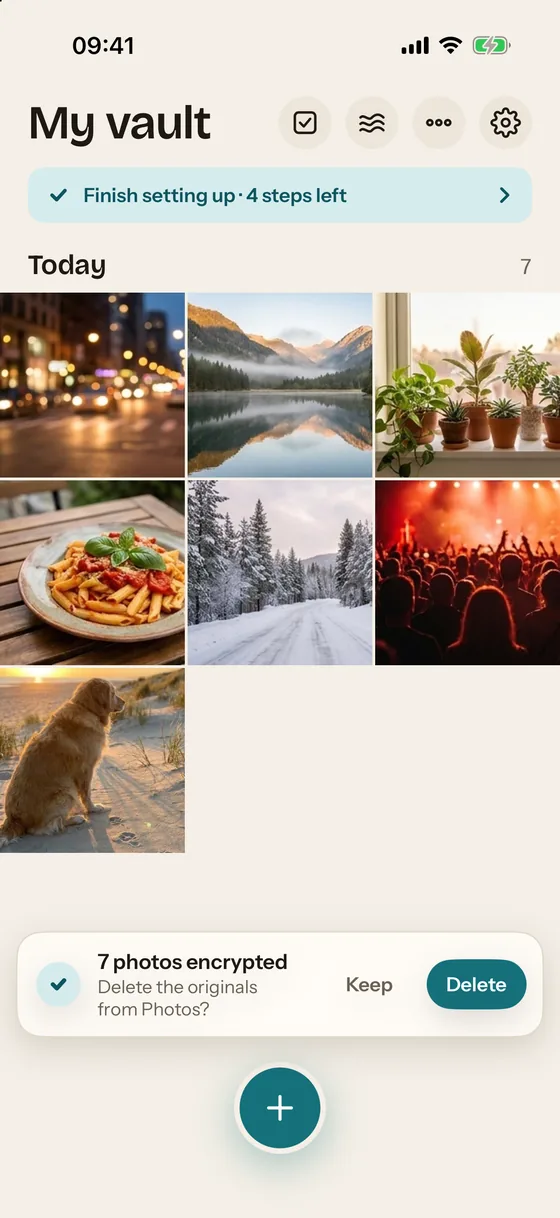
The plus button in a vault adds from Photos, the camera (straight into the vault, never through the Photos app), a document scanner that produces a PDF, any file from Files, an encrypted text note or a voice memo. HEIC photos and HEVC videos are kept as they are; Live Photos stay paired. Items can be shared into the vault from any app through the share sheet, even while the vault is locked: they are sealed to the vault's public key and re-wrapped at the next unlock.
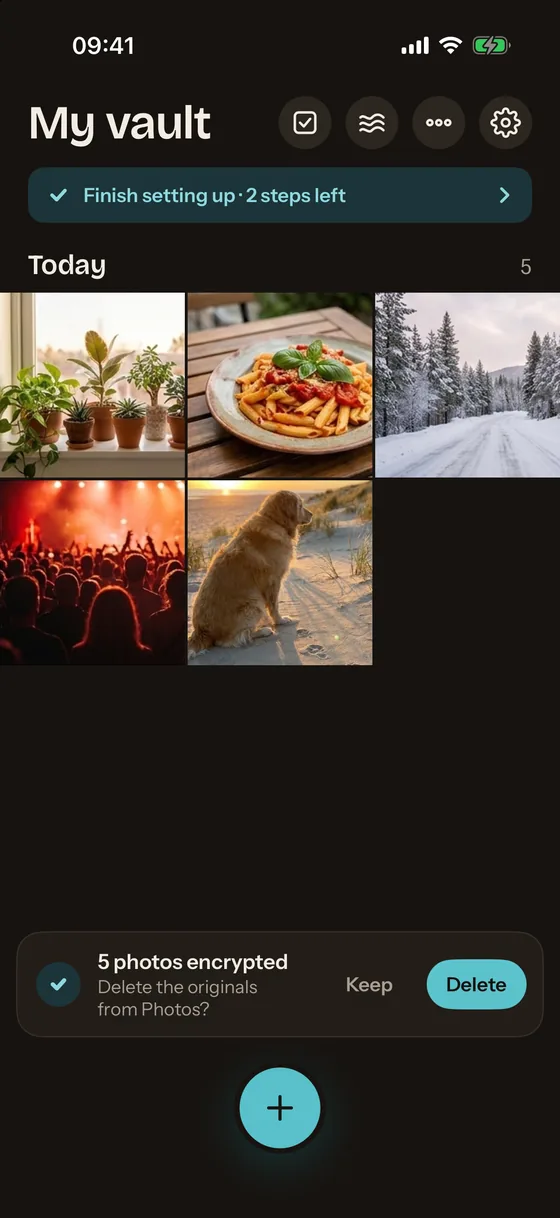
Any number of named vaults fit in one container, with albums, favorites and a Recently Deleted album that keeps items for 30 days. After an import, a toast asks whether to delete the originals from Photos; iOS then asks for its own confirmation.
Locking
Lock on leaving: immediately, after 10 seconds or after 1 minute. Lock when the iPhone is placed face down. A two-finger swipe down locks instantly, and the haze button in the header locks from anywhere. The app switcher shows a blank sand snapshot. Screenshots and screen recordings cannot be blocked by any iOS app; while the screen is captured, Mirage covers the content and logs the event in the vault.
Free and Pro
The free plan holds up to 100 photos and 10 videos with everything above except the four Pro protections: decoy vault, break-in alerts, disguise icon and Wipe Key. Mirage Pro removes the limits and adds them. Pricing lists the plans.
Put your photos somewhere that looks like nothing
Free for up to 100 photos and 10 videos, encrypted on your iPhone with iCloud backup included. Mirage Pro adds the decoy vault, break-in alerts, disguise icon and Wipe Key.