

Decoy vault: a second pattern that opens a second vault
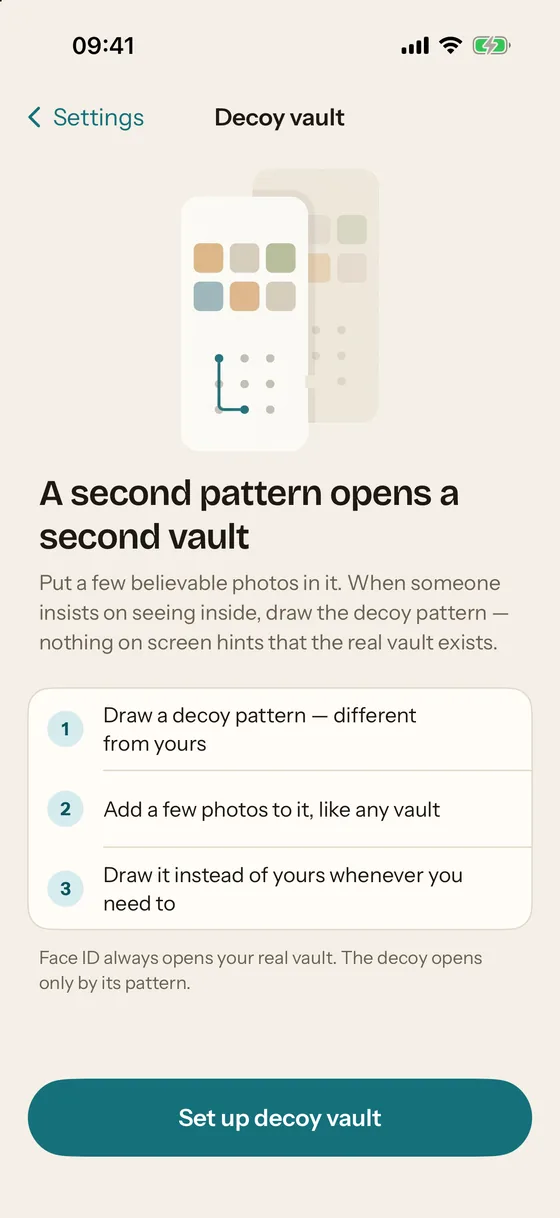
A decoy vault is a second vault behind a second pattern. In Mirage, draw the decoy pattern on the blank lock screen and a separate vault opens with a few believable photos; nothing on screen distinguishes it from the real one, and the files on disk do not reveal that two vaults exist. Face ID always opens the real vault. Decoy vault is part of Mirage Pro.
What a decoy vault is for
A pattern protects your photos from someone who does not have it. It does nothing when a person insists, in front of you, that you open the vault: a partner who found the app, a border officer, anyone with leverage. The decoy vault is for that moment. You draw a different pattern, a different vault opens, and it has photos in it. There is nothing to argue about, because there is nothing on screen that says “this is the fake one”.
For the decoy to work, two things have to be true, and both are design decisions rather than features:
- The decoy must be indistinguishable on screen. Same lock screen, same grid, same settings. In Mirage the decoy is a full vault with its own key, albums and checklist; a few rows that would give it away (creating another decoy, for instance) are simply absent.
- The decoy must be indistinguishable on disk. If a copy of the files shows two vaults, the decoy proves the opposite of what it is meant to prove. Mirage’s container header has 8 key slots of identical length; the real vault, the decoy and the Wipe Key each use one, and the unused ones are filled with random bytes. Every slot starts with a valid key point, so neither the slot types nor the number of occupied slots can be read without a key.
Set up a decoy vault
- Settings › Protection › Decoy vault
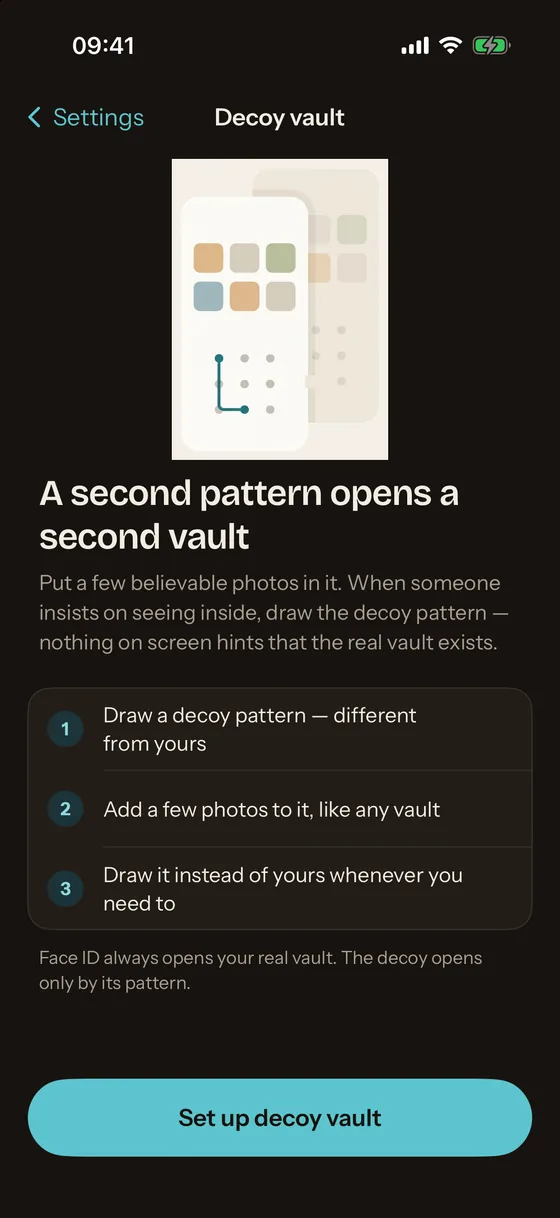
Unlock the real vault, open the gear, and tap Decoy vault. The screen explains the idea; Set up decoy vault starts (Mirage Pro; free users are shown the Pro screen first).
- Draw a decoy pattern, different from yours
Draw it twice. A pattern that already opens something, the real vault or a Wipe Key, is refused with That pattern is already in use, so one pattern never has two meanings.
- Lock and open the decoy
Lock the vault, then draw the decoy pattern on the blank lock screen. The decoy opens, empty, with its own Finish setting up checklist.
- Add a few believable photos
Import a handful of ordinary photos. A decoy with nothing in it looks like a decoy. The decoy has the same free limits as any vault.
- Use it when you need to
Draw the decoy pattern instead of yours. Face ID is not involved: it always opens the real vault, so it never opens the wrong one in front of someone.
What the decoy can and cannot do
| Real vault | Decoy vault | |
|---|---|---|
| Opens with | Its pattern, Face ID, PIN, recovery phrase | Its pattern only |
| Own photos, albums, notes | Yes | Yes |
| Own encryption key | Yes | Yes, a separate vault key |
| Can change key slots (new pattern, Face ID, Wipe Key) | Yes | No: a decoy session cannot allocate slots |
| Resets the wrong-attempt counter when opened | Yes | No |
| Visible in the other vault | No | No |
| Survives a Wipe Key | No: its keys are destroyed | Yes: the Wipe Key opens the decoy afterwards |
Decoy vault and the Wipe Key
The decoy and the Wipe Key are designed as a pair. The Wipe Key is a third pattern that erases instead of opening: drawn on the lock screen, it destroys the real vault’s key slots on the device, rotates the break-in and inbox keys, and then opens the decoy as if a normal unlock had happened. The decoy is what the other person sees afterwards. Without a decoy, the Wipe Key opens a fresh empty vault with the pattern just drawn, which is less convincing. The Wipe Key slot holds only an escrow key and a sealed wipe plan, never the real vault key, so handing it over cannot hand over the photos. The encrypted iCloud backup is left untouched and still opens with the recovery phrase.
Both are part of Mirage Pro, together with break-in alerts and the disguise icon; the features page describes the Wipe Key in full and pricing lists the plans.