

Are photo vault apps safe? Seven things to check before you trust one
Photo vault apps are safe only when they encrypt files on the device with a named cipher, keep the key where it cannot be copied, and have no account that could reset your password from a server. Many apps in the category hide photos behind a PIN without encrypting them, or hold a key to your vault themselves. Seven checks below separate the two kinds in a minute.
Why “are photo vault apps safe” has two answers
Photo vault apps are a fifteen-year-old category, and for most of that time the answer was no. Independent researchers who looked inside popular vault apps found photos stored as plain files behind a PIN screen, a PIN kept in a readable settings file, and in one case a web server inside the app that handed out photos on the local network. Later versions added encryption, sometimes with a single static key kept in the Keychain that never changed when the PIN did.
The category looks different in 2026, and the good apps are good. The problem is that a vault that encrypts nothing and a vault that encrypts everything look identical on the App Store: both have a lock icon, both say “private”, both ask for a PIN. So the question is not whether photo vault apps are safe in general. It is which ones, and the way to tell is to check seven things that any serious vault states plainly.
The seven checks
1. Is the cipher named?
A safe photo vault app names its cipher and its parameters: AES-256-GCM, for instance, with chunk sizes and a per-file key. “Military-grade”, “bank-level” and “100% secure” are not names. If the description, the website and the support page never say what algorithm is used, assume the photos are not encrypted, because an app that went to the trouble would say so.
2. Where is the key, and can it be copied?
Encryption is only as strong as the place the key lives. A key derived only from the PIN can be guessed offline: copy the files and the Keychain from a backup and try every four-digit PIN in seconds, or every pattern in hours. A key wrapped by the Secure Enclave of the iPhone cannot be copied off the device, so every guess has to run on that iPhone, where the app can slow it down. Look for the words “Secure Enclave” and for a key derivation function with a round count (PBKDF2-HMAC-SHA256 with 600,000 or more is a reasonable mark).
3. Is there an account?
An account with a password is convenient and it is a second key. If the app can reset your PIN by e-mail, the company holds what it needs to open your vault; if it can show your photos on the web, they are decrypted on its servers at least sometimes. A vault with no account has no such key and no server to lose it from. The trade is a recovery phrase you have to keep yourself.
4. What does the privacy label say?
The App Store privacy label is self-declared, but it still separates the apps that carry advertising and analytics SDKs from the apps that carry none. “Data Used to Track You” means an ad network’s code runs in the same process as your photos. “Data Linked to You” usually means analytics tied to an account. “Data Not Collected” is only possible with no third-party code at all.
5. What happens when you forget the password?
Ask the support page. If the answer is “we’ll reset it”, see check 3. If the answer is “a recovery phrase”, the vault is yours: nobody else can open it, and the phrase is your responsibility. If the answer is “nothing can be done” and there is no phrase, the app is honest but unforgiving.
6. Are there ads or trackers in the app?
Free vault apps with ads are paying for themselves by letting an ad network observe the app. The network does not see your photos, but it sees that you use a vault, when and how often, and it can tie that to your advertising identifier. A vault with no ads and no analytics has nothing to report.
7. Can the encryption be checked?
An open-source crypto module, or a published format specification, lets anyone verify that the app does what the description says. It is rare in this category. Where it does not exist yet, a detailed technical page with the actual parameters is the next best thing: a vendor that writes down the nonce scheme and the authenticated data can be held to it.
The checks in one table
| Check | Weak answer | Strong answer |
|---|---|---|
| Cipher | “military-grade”, unnamed | Named cipher and parameters |
| Key | Derived from the PIN only; static key in the Keychain | Wrapped by the Secure Enclave; slow KDF with a stated round count |
| Account | E-mail account, web access | None |
| Privacy label | Data Used to Track You | A label earned by having no third-party code at all |
| Forgotten password | Reset by e-mail | Recovery phrase; no reset |
| Ads and trackers | Present | None |
| Verifiability | Nothing published | Open crypto module or a full technical page |
How Mirage Vault answers the seven
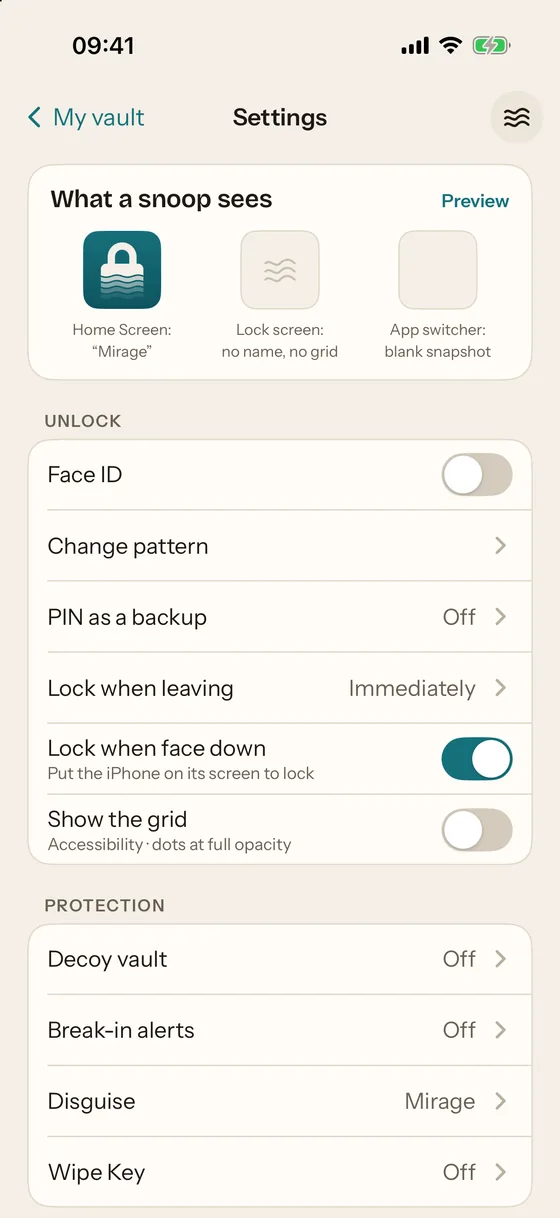
We make Mirage Vault, so the answer is on its security page in checkable form rather than here: AES-256-GCM in 1 MiB chunks with a key per file; PBKDF2-HMAC-SHA256 with at least 600,000 rounds wrapped by ECIES on a P-256 key in the Secure Enclave; no account and no server; no analytics, advertising or crash-reporting code; a 8-word recovery phrase instead of a reset; and a crypto module written to be published. The same page lists what the app cannot protect against. The comparison pages apply the same seven checks to other apps, using only what their listings and sites state, with the date each was read.