

Is a calculator vault app safe? What the disguise protects, and what it does not
A calculator vault app is as safe as its encryption, not its disguise. The working-calculator front keeps the vault out of sight at a glance and from someone scrolling your Home Screen, but the photos behind it are only protected if the app encrypts them on the device with a named cipher and a key that cannot be copied. Check the encryption first; treat the calculator as a bonus.
What a calculator vault app actually is
A calculator vault app is a photo vault whose Home Screen icon and first screen look like a calculator. The calculator usually works; typing a secret code (often a number followed by the equals sign or a percent sign) opens the hidden photos. The idea is that someone picking up your iPhone sees a calculator, uses it, and never finds the vault.
That is a disguise, and disguises have one job: surviving a glance. Whether the photos behind the calculator are safe is a separate question, answered by the same checks as for any vault app. Some calculator vault apps encrypt properly and say so; one well-known app states AES-256 with PBKDF2 at 200,000 iterations on its website (read 2026-10-31). Others say nothing about encryption at all, and a calculator in front of plain files is a calculator in front of plain files.
What the calculator disguise protects
- A glance at the Home Screen. A calculator sitting among other utilities does not invite a second look.
- A quick scroll by a curious person. Opening the app shows a calculator that calculates.
- A child or a colleague. People who do not know calculator vaults exist will not look further.
What it does not protect
- Anyone who knows the pattern. “Secret calculator app” is a common search; the category is well known, and iOS already has a Calculator, so a second one is a flag rather than camouflage.
- The label. iOS does not let an app change the name under its icon. A calculator-style icon labelled with the vault’s real name is the opposite of hidden; App Library search lists it too.
- A copy of the files. Backups, forensic tools and a synced Mac see the app’s folder, not its icon. Only encryption matters there.
- An unlocked vault. Once the code is typed, the front is gone.
- Someone forcing you. A disguise does nothing after “open it”. A decoy vault or a duress code does.
What to check in a calculator vault app
The same seven checks as for any vault, in the order that matters for this type:
- Is the cipher named with its parameters? AES-256 with a key derivation function and a round count is a real statement; “secure” and “private” are not.
- Where does the key live? If the key is derived from the calculator code alone, a four-digit code can be guessed offline from a copy of the files in seconds. A key wrapped by the Secure Enclave cannot be guessed off the device.
- Is there a break-in photo, and where does it go? Several calculator vaults take a photo on a wrong code. Check whether it stays on the device and whether it includes a location.
- Does the app carry ads? Free calculator vaults often do. An ad SDK inside a vault app sees that you use one.
- What happens when you forget the code? A recovery by e-mail means the company can open the vault.
- Is there a decoy? A second code that opens a second set of photos is more useful under pressure than a calculator.
- Does the vendor publish anything checkable? A technical page with real parameters, or open code.
How Mirage hides without pretending
Mirage Vault takes a different route to the same goal of not being noticed. Instead of imitating another app, it removes the things that give a vault away:
- The lock screen is blank. No app name, no logo, no grid. The pattern grid appears under your finger when you start drawing and fades when you lift it.
- The icon can be changed to one that does not say “vault” (Mirage Pro). The label under it stays “Mirage”, because iOS keeps the real name under any icon; the app says so on the Disguise screen and shows the Shortcuts route for any name you like.
- The app switcher shows a blank snapshot, and the vault locks on leaving.
- Behind the disguise, the encryption is real: AES-256-GCM per 1 MiB chunk, a key per file, the vault key wrapped by ECIES on a P-256 key in the Secure Enclave, no account, no analytics. A decoy vault behind a second pattern and a Wipe Key cover the “open it” case that no disguise covers.
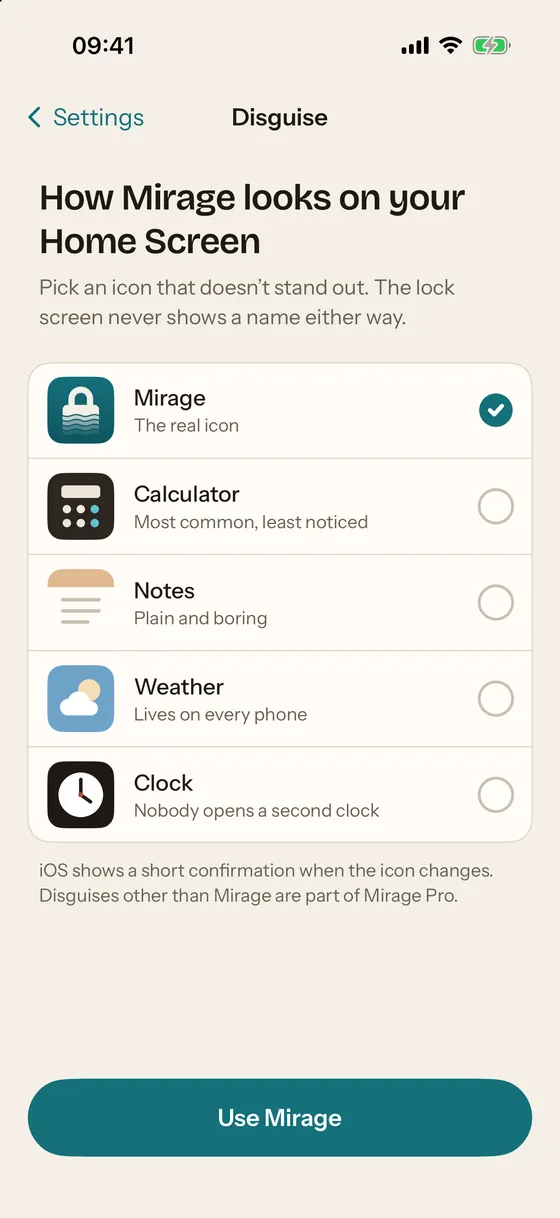
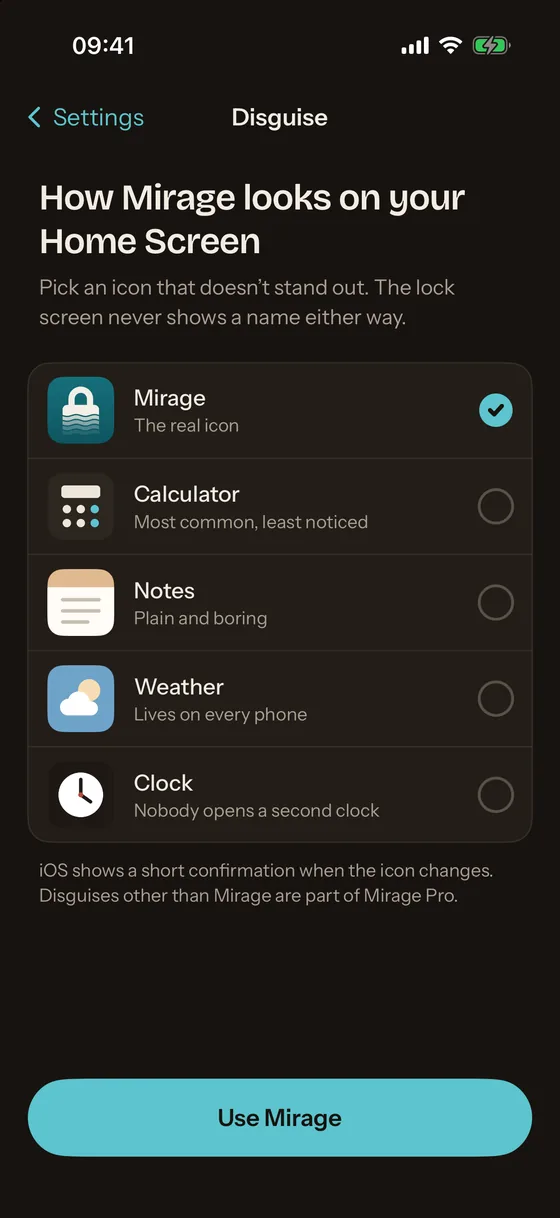
Calculator vault or a blank vault?
| Calculator vault app | Mirage Vault | |
|---|---|---|
| Survives a glance at the Home Screen | Yes, unless the label gives it away | Yes, with an alternative icon (Pro); label stays “Mirage” |
| Survives someone opening the app | Yes, if they do not know the pattern | Yes: a blank screen with nothing to tap |
| Known trick | Yes, widely | No imitation to recognise |
| Encryption | Depends on the app; check | AES-256-GCM, Secure Enclave, stated on the security page |
| Under pressure | Usually nothing | Decoy vault, Wipe Key (Pro) |
The comparison pages list what specific apps state, with the date each listing was read.