

Can someone see my hidden photos on iCloud? Who can, and how to check
Yes, someone can see your hidden photos on iCloud if they can sign in to your Apple Account or use a device signed into it. With iCloud Photos on, the Hidden album syncs to every device on the account and to iCloud.com, where it opens after the sign-in alone. Family Sharing does not share it; a Shared Library does.
You need: iPhone with iOS 26 or later and iCloud Photos on · a browser for iCloud.com · a second device on the same Apple Account, if you have one.
Where hidden photos go when iCloud Photos is on
Hiding a photo changes where it is listed, not where it is stored. iOS says so itself when you tap Hide: “This photo will be hidden, but can be found in the Hidden album. You can choose to show or hide the Hidden album in Settings.” The photo leaves the Library, every album and the Photos widget for the Hidden album under Utilities.
With iCloud Photos on, that Hidden album is part of your iCloud Photos library. Apple’s support page puts it in one line: photos you hide on one device are hidden on your other devices too. They are present there, and on iCloud.com, as the same photos with a “hidden” flag. The lock on the album protects the view on one device; it does not travel with the photo. Labels below are from iOS 26.
Who can see your hidden photos on iCloud
| Who | What they can see | What stops them |
|---|---|---|
| Someone who knows your Apple Account password | The Hidden album on iCloud.com and on any device they sign in | Two-factor authentication: a new browser needs the code from a trusted device |
| Someone using a device already signed in (an old iPad, a family Mac, a second iPhone) | The Hidden album on that device, after its own Face ID, Touch ID or passcode | Removing the device from your account |
| A Family Sharing member with their own Apple Account | Nothing: shared iCloud+ storage shares space, not photos | Nothing needed |
| A participant of your iCloud Shared Photo Library | A photo hidden inside the Shared Library moves to the Hidden album of every participant, and any of them can unhide it | Moving the photo to your Personal Library first |
| Apple | Under standard data protection, iCloud Photos is encrypted in transit and on the server with keys Apple holds. Under Advanced Data Protection the files are end-to-end encrypted; the hidden flag and dates are not | Advanced Data Protection |
| A stranger without your password | Nothing | The password and the second factor |
Hidden photos on iCloud.com: what the browser shows
On a Mac or PC, the Hidden album is two clicks from the sign-in.
- Sign in at icloud.com/photos
Apple Account e-mail and password; with two-factor authentication on, the six-digit code from a trusted device. That is the whole gate.
- Open Hidden in the sidebar
Click Hidden, then Show Hidden Photos. The hidden photos appear. No passcode, Face ID or second password follows (checked 2026-11-08). Recently Deleted sits in the same sidebar.
- Note what the browser does not show
Hidden photos stay out of the Library view on iCloud.com, as on the iPhone; the album is the only place they appear.
Advanced Data Protection changes one thing here: with it on, access to your data on iCloud.com is off by default until a setting on the iPhone turns it back on. Without it, the browser view is as open as your password.
Hidden photos on a second iPhone, iPad or Mac
Every device signed into the account downloads the Hidden album with the library, then decides on its own how to show it.
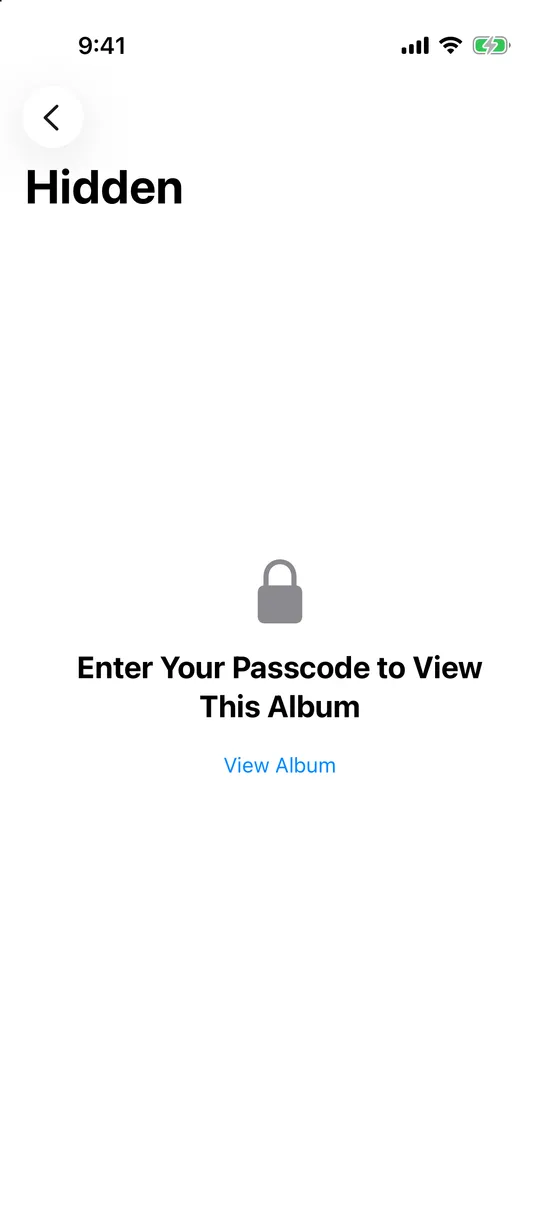
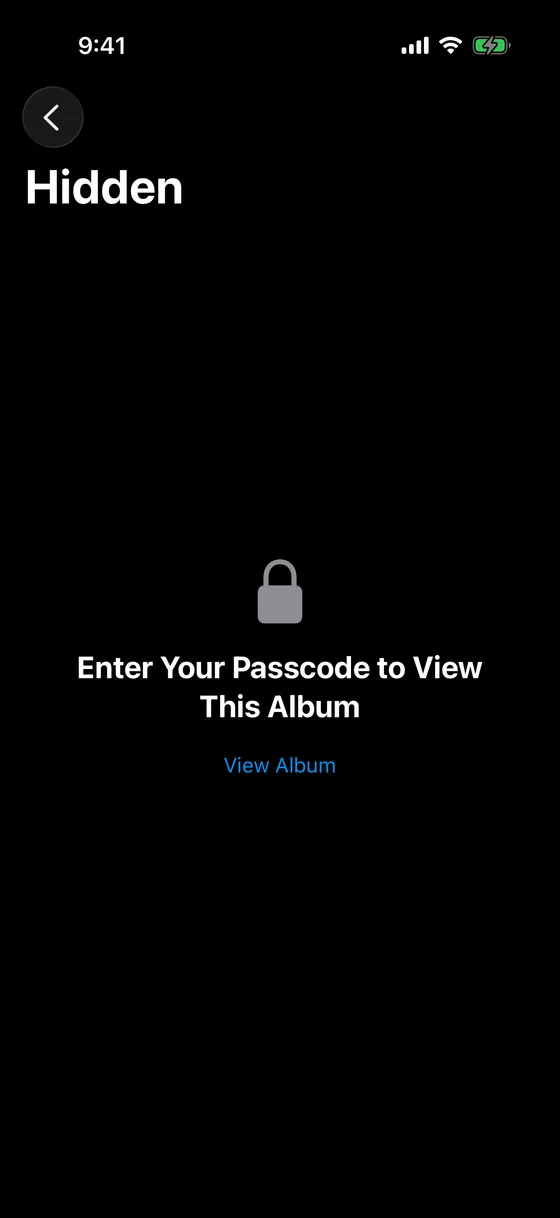
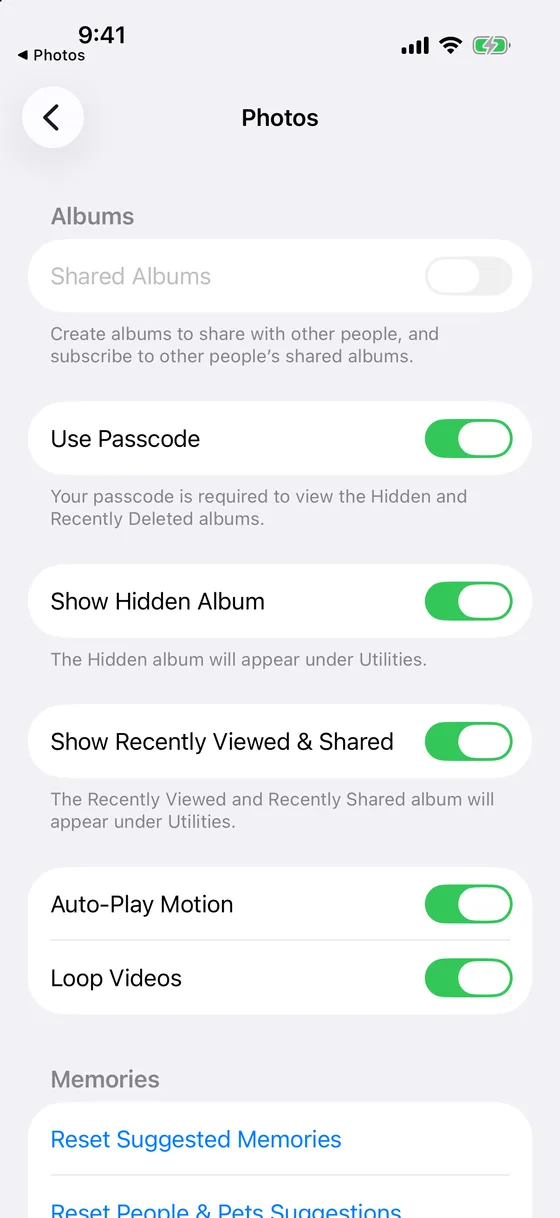
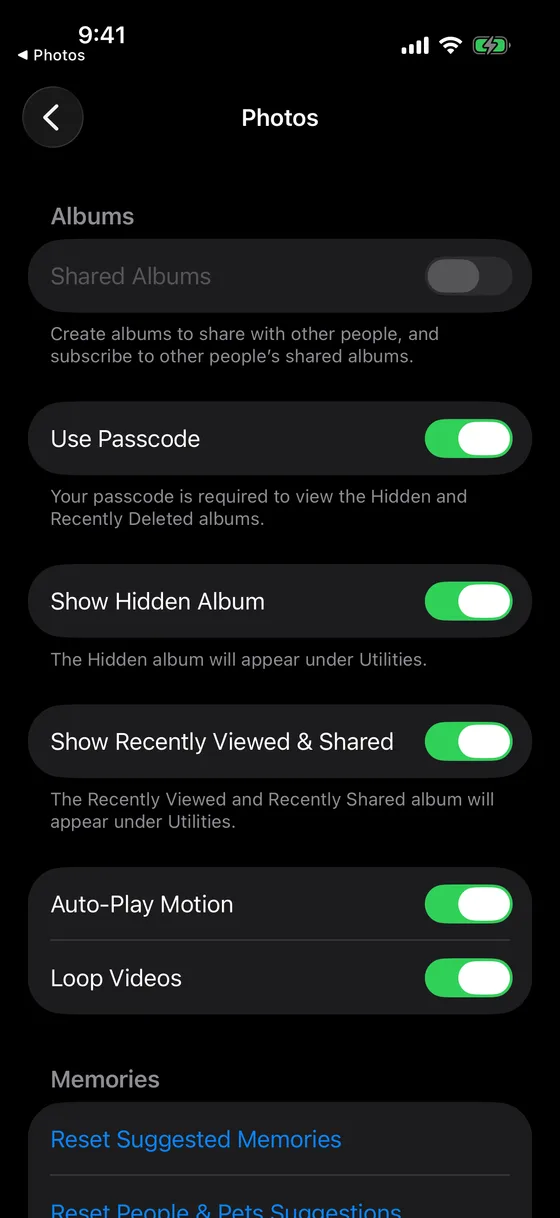
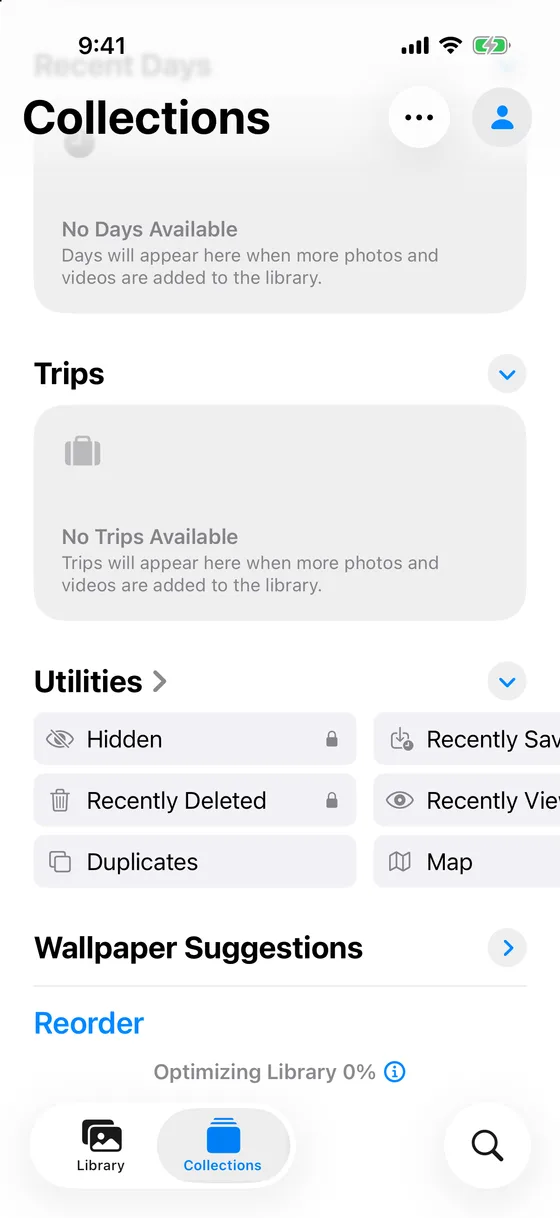
- iPhone and iPad. The album is on and visible by default. Settings › Apps › Photos › Show Hidden Album removes it from the list; the footer reads “The Hidden album will appear under Utilities.” The switch above it, Use Face ID, keeps the lock: “Face ID or your passcode is required to view the Hidden and Recently Deleted albums.” An iPhone with Touch ID shows Use Touch ID there, and one without either shows Use Passcode: “Your passcode is required to view the Hidden and Recently Deleted albums.”
- Mac. The album is off by default. View › Show Hidden Photo Album in Photos lists it, and opening it asks for Touch ID or the login password of that Mac.
The switch is per device. Turning Show Hidden Album off on your iPhone leaves it on on an iPad signed into the same account.
Family Sharing and iCloud Shared Photo Library are different things
Family Sharing does not open your library to anyone. Apple’s page on sharing iCloud+ says that everyone in the group uses their own Apple Account, so photos and documents stay private while the storage is shared. When a family member does see someone’s hidden photos, the two phones are on one Apple Account, which makes them one library.
iCloud Shared Photo Library is the opposite case. A photo in the Shared Library belongs to every participant. Hide it, and in Apple’s words it “moves to the Hidden album for all participants”, who can view or unhide it. Hiding in a Shared Library is housekeeping, not privacy; move the photo to your Personal Library first.
Shared Albums hold copies you added on purpose; hiding the original does nothing to the copy, and Shared Albums stay outside Advanced Data Protection.
iCloud Backup is not iCloud Photos
With iCloud Photos on, your photos already sync to iCloud, so Apple’s backup leaves them out: the Hidden album is in iCloud Photos, not in the backup. With iCloud Photos off, iCloud Backup can include the photos on the iPhone, hidden ones among them, and a restore brings the Hidden album back. Either way, a hidden photo is in your iCloud account in exactly one of the two places.
How to check who could see your hidden photos
- Look at the devices on your account
Open Settings, tap your name and scroll to the list of devices. Each of them can show the Hidden album; open any device you do not recognise or no longer own and remove it from the account.
- Check the Hidden album switch on each device
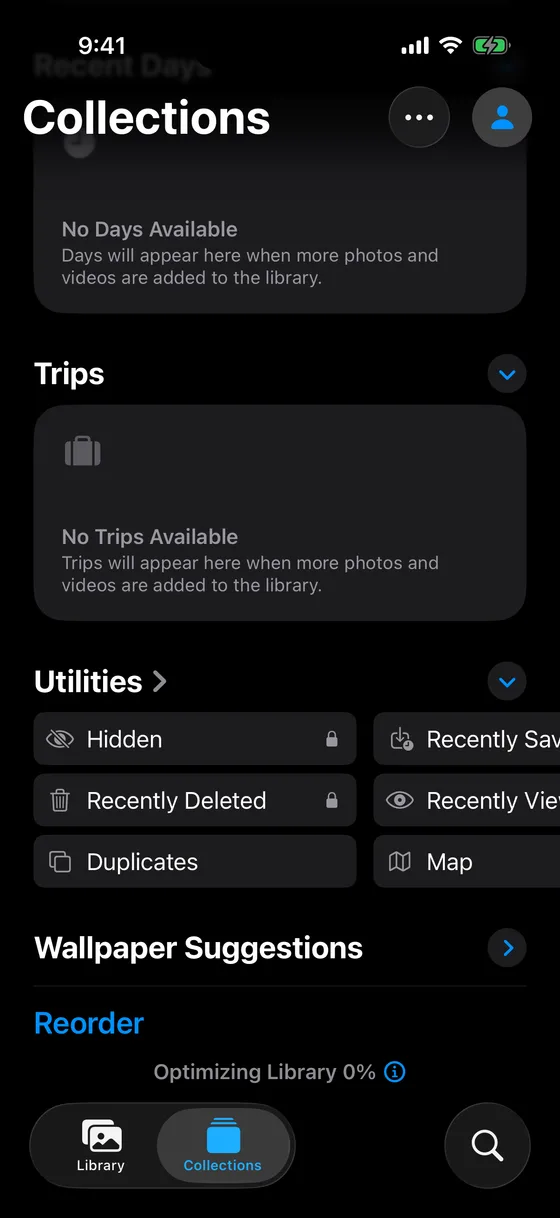
On every iPhone and iPad: Settings › Apps › Photos, then Show Hidden Album and Use Face ID. On a Mac: View › Show Hidden Photo Album. Under Utilities, Hidden and Recently Deleted carry a lock icon while the lock is on.
- Check for a Shared Library
Settings › Apps › Photos › Shared Library shows whether you set up or joined one. Anything you hid while it was in the Shared Library is in the participants’ Hidden albums too.
- Check two-factor authentication and the protection level
Under your name in Settings: Sign-In & Security for two-factor authentication, and iCloud › Advanced Data Protection for the protection of the photos themselves. Change the password if anyone else has ever had it.
If hidden photos must not be in iCloud Photos at all
Turn off iCloud Photos. We would not do this for a dozen photos: the whole library stops syncing, and the hidden photos stay on every device that already downloaded them.
Turn on Advanced Data Protection. The photo files become unreadable to Apple, and the browser view closes by default. Every device signed into the account still shows the Hidden album, and a lost password plus a lost recovery key means lost iCloud data. Good against the server, no change for the second iPhone.
Move the photos to an encrypted vault. A vault app takes the photo out of the Photos library, so it is no longer in iCloud Photos, on iCloud.com or in another device’s Hidden album. Mirage Vault encrypts every photo on the iPhone with AES-256-GCM before storing it. Its own backup goes to the private part of your iCloud account as encrypted data only, outside iCloud Photos, and a second device signed into your Apple Account does not receive the vault: it needs the 8-word recovery phrase, because the keys are bound to the Secure Enclave of the iPhone that made them. No account, no server; the free plan holds 100 photos and 10 videos, backup included. How the vault and the Hidden album compare, situation by situation.
If you are the only person on your Apple Account and not in a Shared Library, the Hidden album steps are enough. If someone else can sign in, why a second iPhone needs the phrase shows what a separate key changes.
Sources, read on 2026-11-08: Apple, Hide photos with the Hidden album (2026-03-16); Hide your photos and videos on iCloud.com; If you’re missing photos or videos (2026-04-29); iCloud data security overview (2026-01-05); What does iCloud back up?; Share iCloud+ with your Family Sharing group (2026-09-15); Two-factor authentication for Apple Account.